What kind of question should you choose?
Compare the types of questions and how they are graded.
Written By Florian Barral
Last updated About 8 hours ago
Evalmee offers several types of questions. This table helps you choose, based in part on how much time you plan to spend grading.
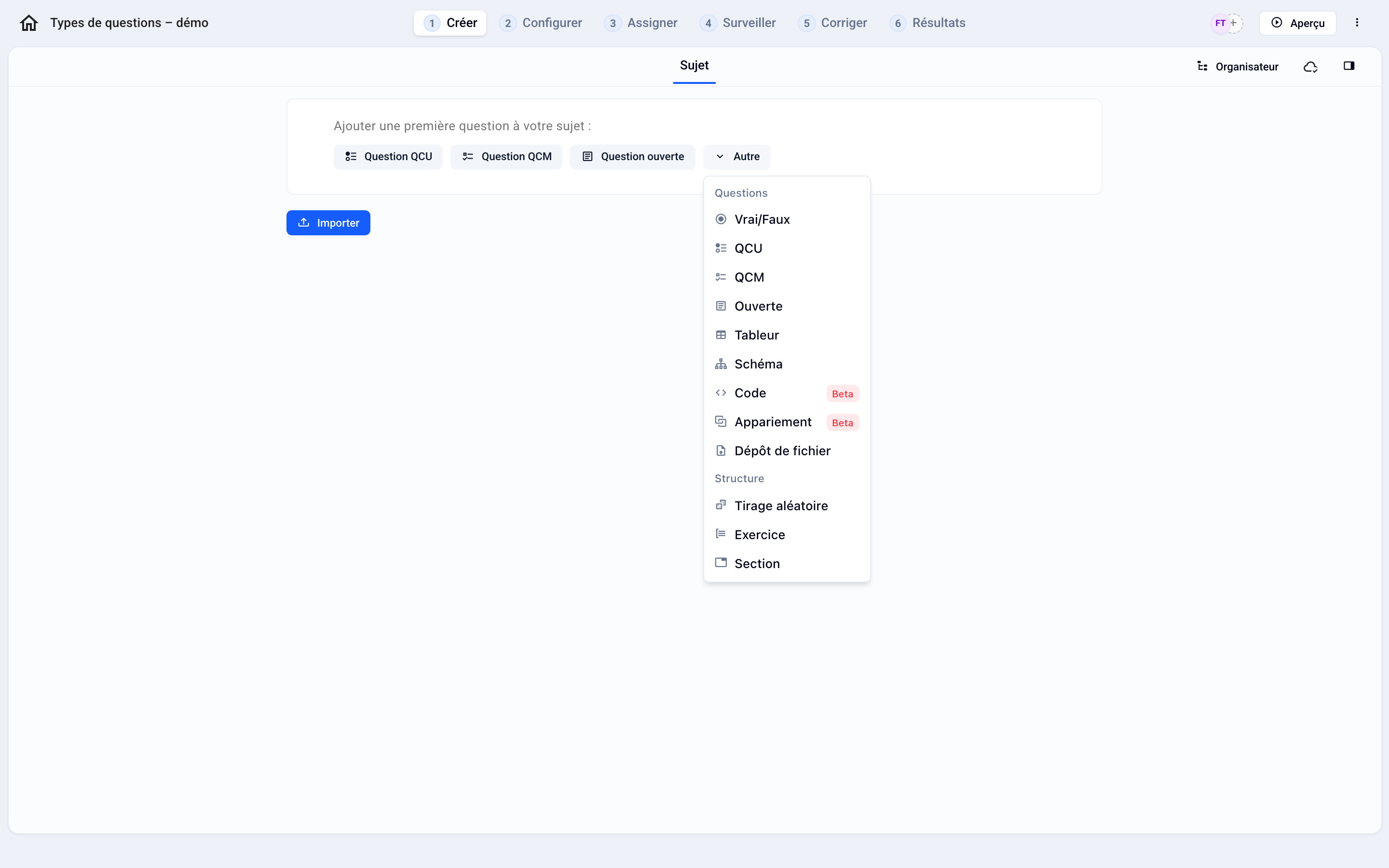
Where to Find Question Types
In the Create tab, click Add: the Questions section lists all the question types. The Question Supplement appears in the Structure section when you add an element to an exercise.
Good to know
Autograded questions are graded as soon as the participant finishes. The others await your grading.
Spreadsheet, Diagram, Code, and File Upload are included starting with the Pro plan.
There is no dedicated “numeric” question type: for a numerical answer, use a multiple-choice question with multiple answer options, or an Open-Ended question.
To vary the questions from one participant to another, see Random Selection (Questions and Exercises)
You can convert a multiple-choice question (QCU) to a multiple-choice with options (QCM) (and vice versa) from the question menu.
Was this helpful?
Still need help? Ask the team