Edit subject & grades
Written By Florian Barral
Last updated 4 months ago
If there is a mistake in the subject, edit the original subject to recalculate the scores.
In the application
Once your exam is opened, you can no longer modify the questions generated for your participants. This is for fairness reasons so that all your participants have the same exam subject.
However, you can partially edit the subject to fix errors or modify the grading. To do this, in the Subject tab:
Click on the
EDITbuttonModify the subject as you wish: correct choices checked, question weights, as well as the correction comment and tags.
Then click on
UPDATE GRADESThere you go, all your grades will be recalculated accordingly!
In the Excel export
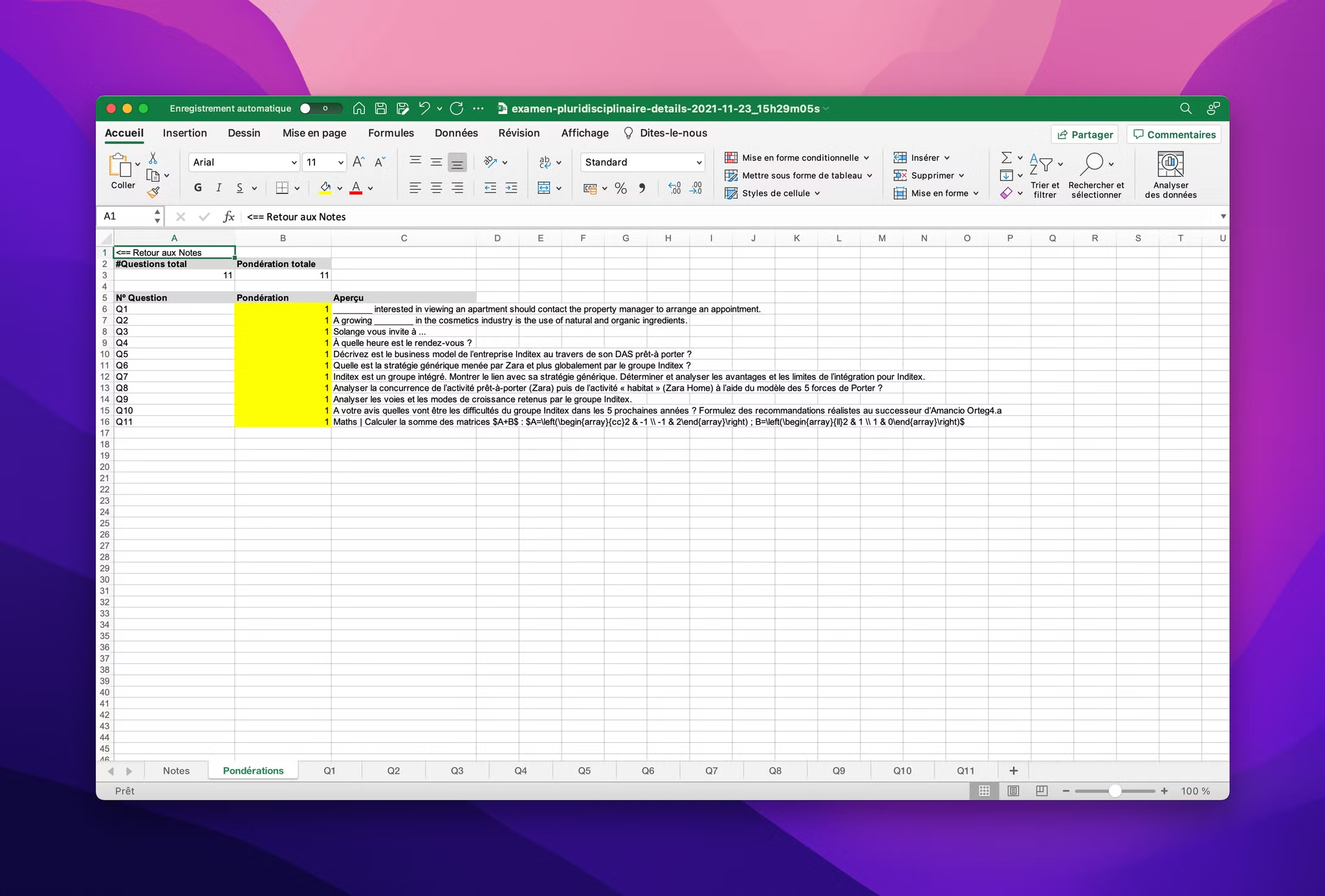
You can also modify part of the exam scoring from the detailed grades Excel export once it is completed.
You have a Ponderation sheet in the grade export as follows: