True/False Question
Create a True/False question that is graded automatically.
Written By Florian Barral
Last updated About 8 hours ago
A True/False question presents a statement; the participant answers True or False. The answer is graded automatically.
Create a True/False question
On the Create tab, click Add at the bottom of the section and select True/False.
Enter the statement in the “Question Name” field.
Check the correct answer: True or False.
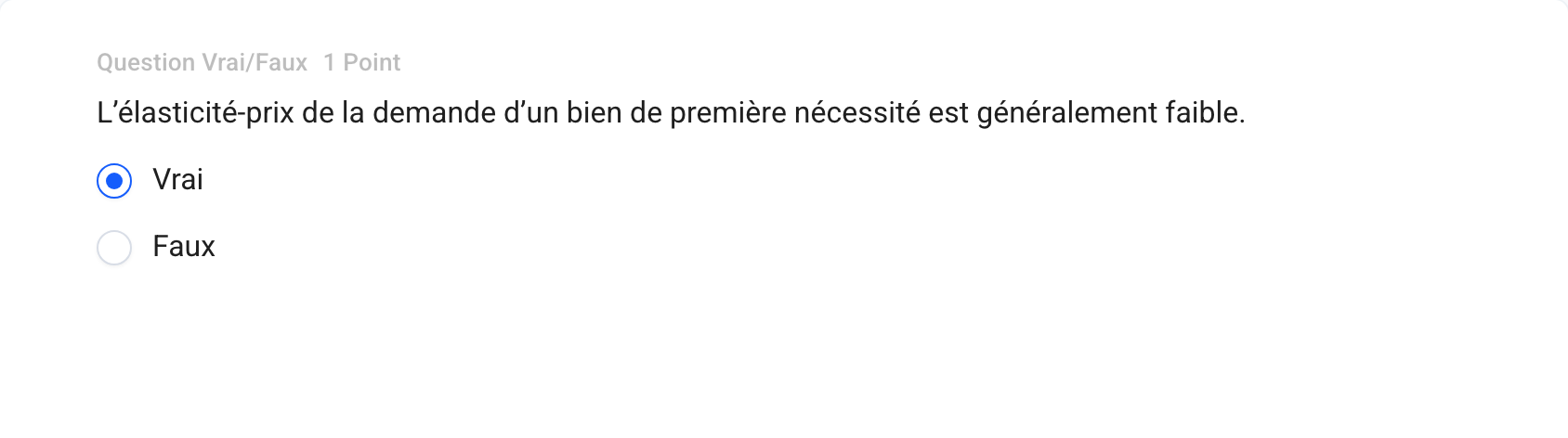
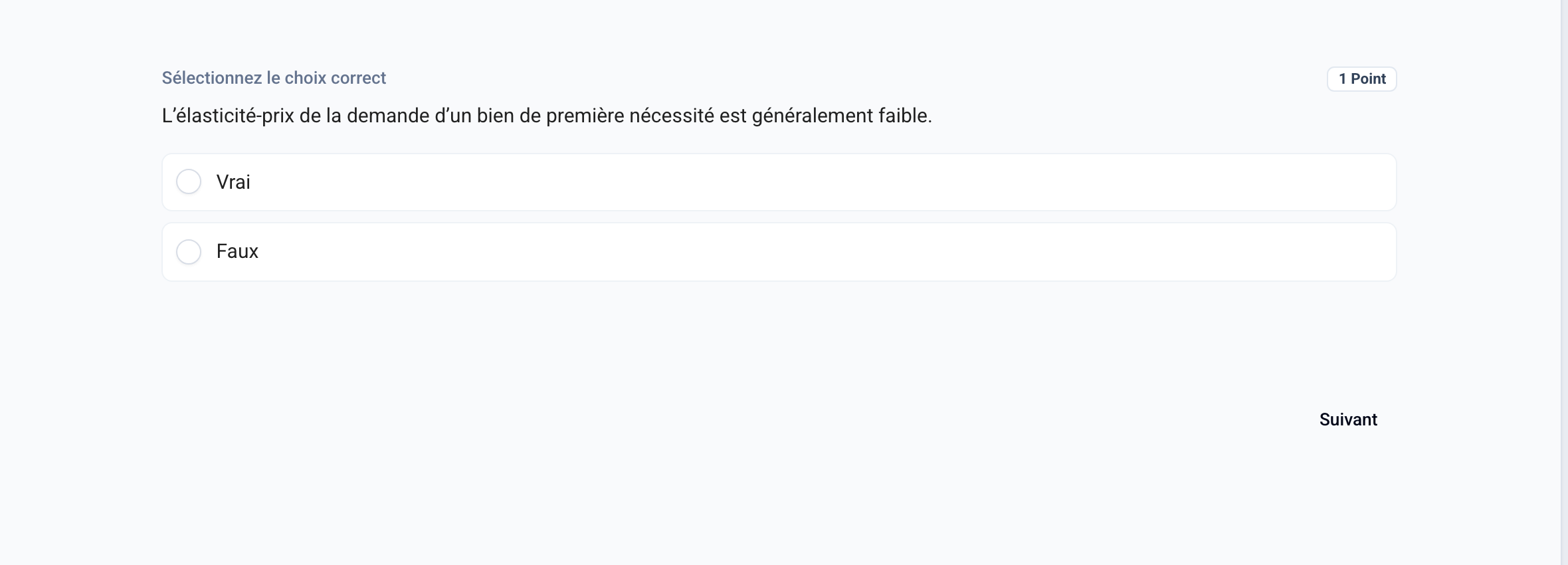
The two options are fixed: you cannot rename them, add new ones, or delete them. They appear in the participant’s language.
Grading
The True/False question follows the exam’s multiple-choice grading scale. See Classic Multiple-Choice Grading Scale
Was this helpful?
Still need help? Ask the team