Matching Question (beta)
Match statements with answers; automatically graded.
Written By Florian Barral
Last updated About 8 hours ago
The "Matching" question asks participants to match statements with answers (a country and its capital, a concept and its definition, etc.). Answers are graded automatically. This question type is in beta.
Enable the beta
In your settings, open Beta Features and enable Matching Questions. The question type will then appear in the Add menu.

Create a Matching Question
On the Create tab, click Add at the bottom of the section and select Matching.
Enter the instructions in the “Question Name” field.
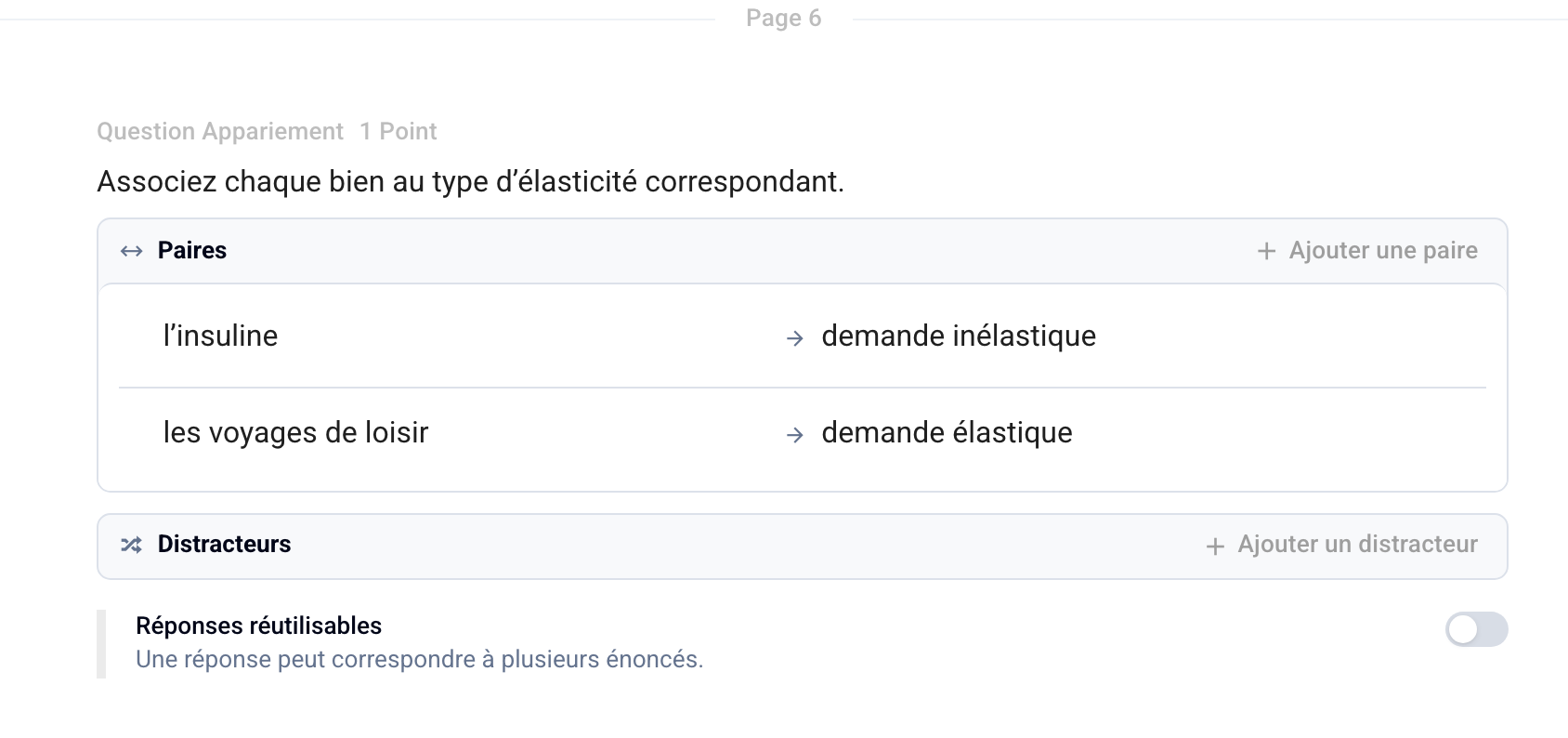
In Pairs, fill in each row: the statement on the left, the correct answer on the right. Click Add a Pair to add more (minimum of 2 pairs).
Optional: In “Distractors,” click “Add a Distractor” to provide answers that do not match any of the statements.
Optional: Enable “Reusable Answers” if the same answer can match multiple statements.
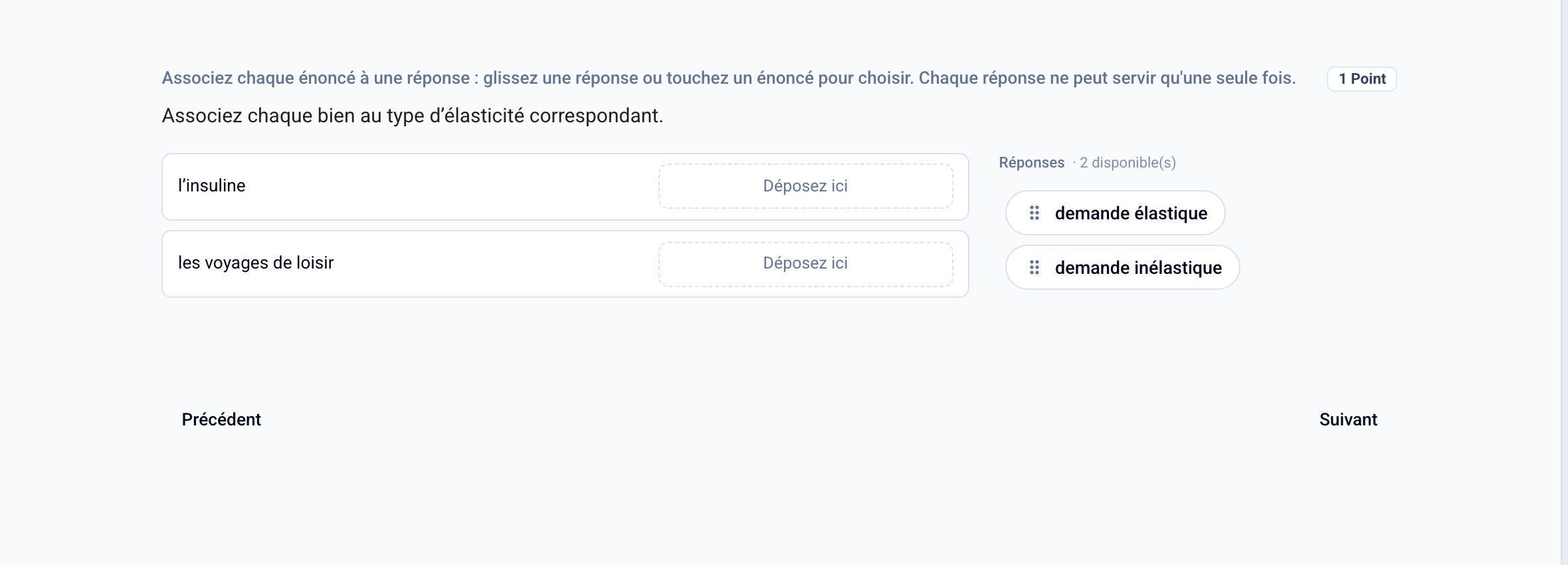
Participants drag each answer to the corresponding statement, or tap a statement and then an answer on mobile devices.
Scoring
Each statement counts as one multiple-choice selection: the question follows the exam’s multiple-choice scoring scale (classic or mismatch). See Classic Multiple-Choice Scoring Scale
The Matching question type is available for online exams only.
Was this helpful?
Still need help? Ask the team