Import a subject
Written By Florian Barral
Last updated 12 months ago
Click on IMPORT

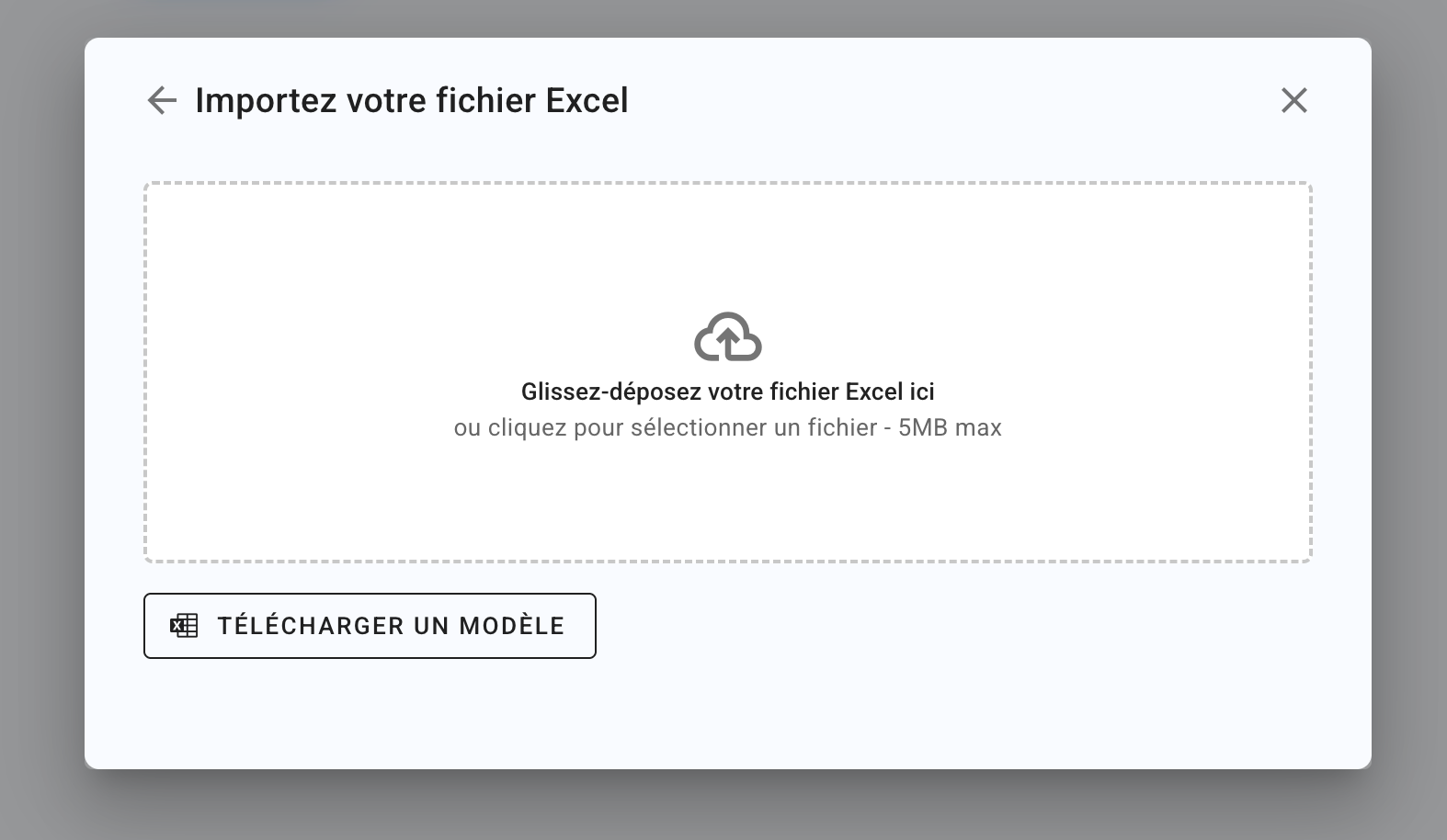
Download the .xlsx template file and complete the following columns:
Section (optional column if you do not use sections)
Enoncé de section (optional column if you do not use sections)
Exercice (optional column if you do not use exercises)
Enoncé d'exercice (optional column if you do not use exercises)
Catégorie de Tag 1 (optional column if you do not use tags)
Tag 1 (optional column if you do not use tags)
Catégorie de Tag 2 (optional column if you do not use tags)
Tag 2 (optional column if you do not use tags)
Type de question
FillQCMorOuvertePoints
Enter a decimal number
Size limit.
To be deletedQuestion.
Fill in your question here.
Commentaire de correction
Fill in the correction comment displayed on the graded submission.Choix corrects
Define which choices are correct.
E.g.:1 if the first choice is correct
2,4 if the second and fourth choices are correct
Choice 1
Type in one of the choices for the question.Choice 3
Type in one of the choices for the question.Choice 3
Type in one of the choices for the question.Choice 4
Type in one of the choices for the question.Choice 5
Type in one of the choices for the question.Choice 6
Type in one of the choices for the question.Choice 7
Type in one of the choices for the question.Choice 8
Type in one of the choices for the question.Choice 9
Type in one of the choices for the question.Choice 10
Type in one of the choices for the question.
Simplet import model
Simplet import model
For an exam of multiple-choice questions with four options each time, your Excel file will only contain the following eight columns:
Type de question
Always fillQCMPoints
Enter a decimal number
Question
Fill in your question here.
Choix corrects
Define which choices are correct.
E.g.:1 if the first choice is correct
2,4 if the second and fourth choices are correct
Choice 1
Type in one of the choices for the question.Choice 3
Type in one of the choices for the question.Choice 3
Type in one of the choices for the question.Choice 4
Type in one of the choices for the question.
To learn more about Sections and Exercises, read Structure the subject (WIP)
Was this helpful?
Still need help? Ask the team