Question: File Upload
Have one or more files sent in response.
Written By Florian Barral
Last updated About 7 hours ago
The "File Upload" question asks the participant to submit one or more files: a report, a photo of a handwritten copy, a spreadsheet, etc. Grading is done manually.
Create a File Upload question
On the Create tab, click Add at the bottom of the section and select File Upload.
Enter the instructions in the “Question Name” field.
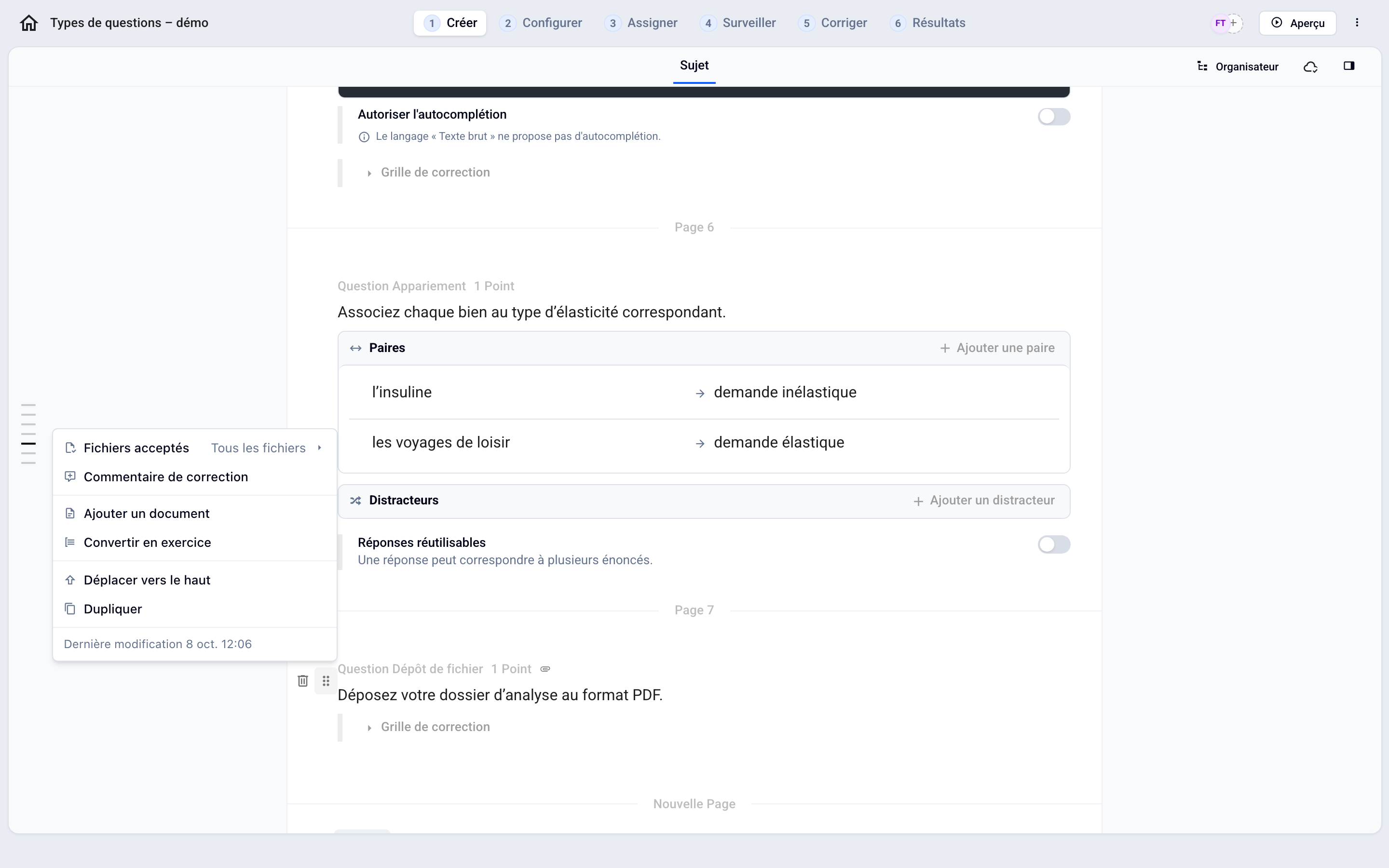
Open the question menu (⋮⋮ icon on the left) and set “Accepted Files” to “All Files” or “Photos Only.”
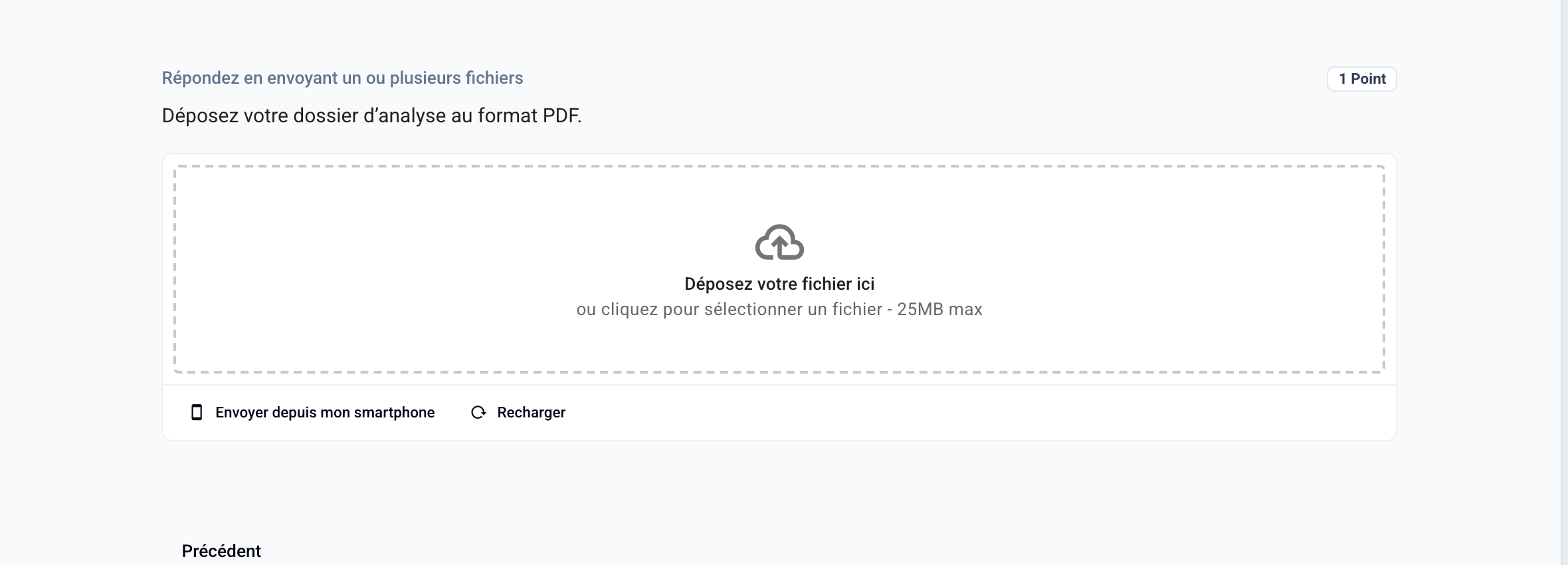
The participant uploads their file (maximum 25 MB per file) or clicks “Send from my smartphone” to take a photo with their phone.
For a written response accompanied by a file, use an Open-Ended Question with the “Answer with a file” option instead.
💡 This question type is included starting with the Pro plan.
Was this helpful?
Still need help? Ask the team