Question: Diagram
Have someone draw a diagram or a chart.
Written By Florian Barral
Last updated About 7 hours ago
The "Diagram" question asks the participant to draw a diagram (chart, graph, flowchart, etc.) in a built-in editor. Grading is done manually.
Create a Diagram Question
On the Create tab, click Add at the bottom of the section and select Diagram.
Enter the instructions in the “Question Name” field.
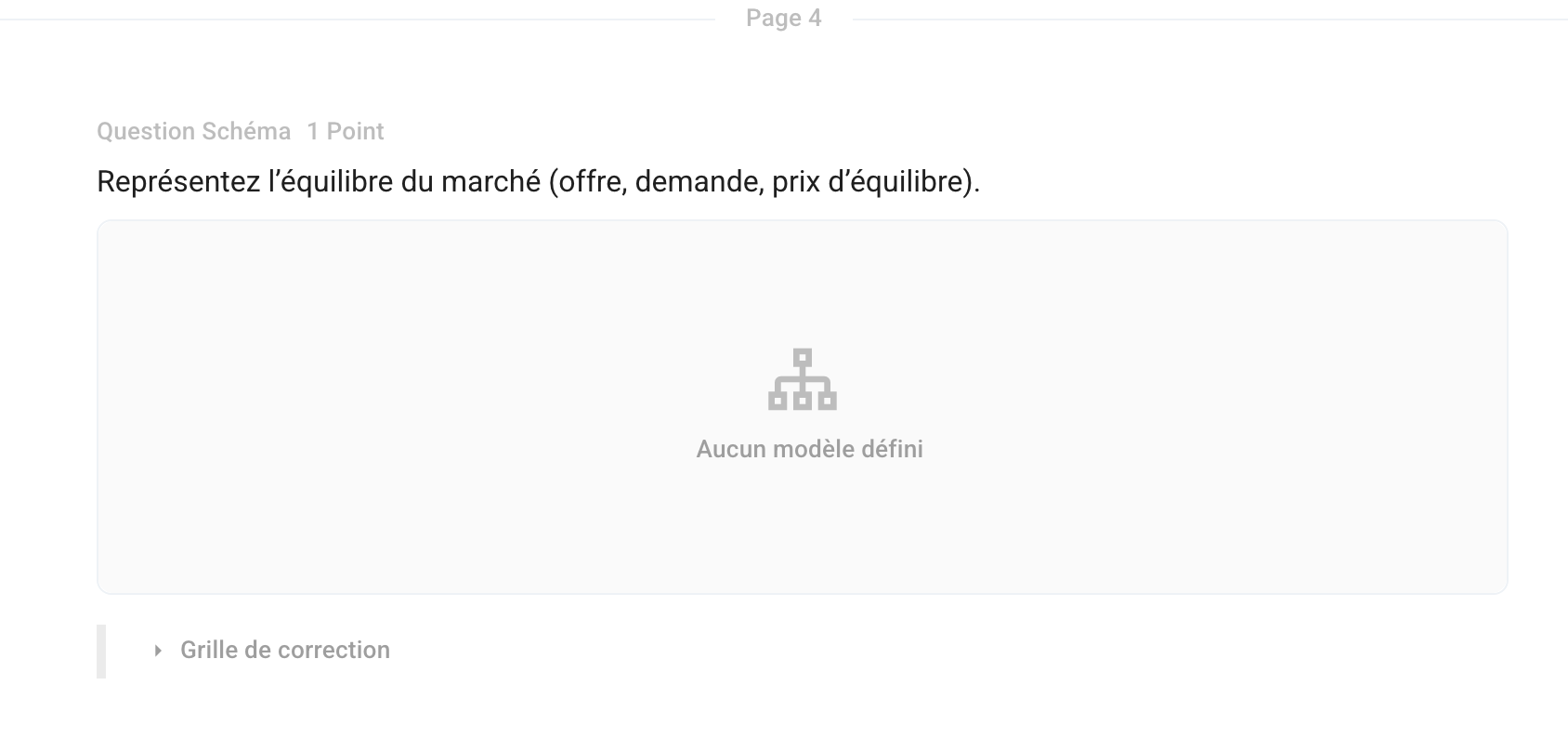
Optional: Click the “No template defined” field to prepare a starting diagram for the participant to complete.
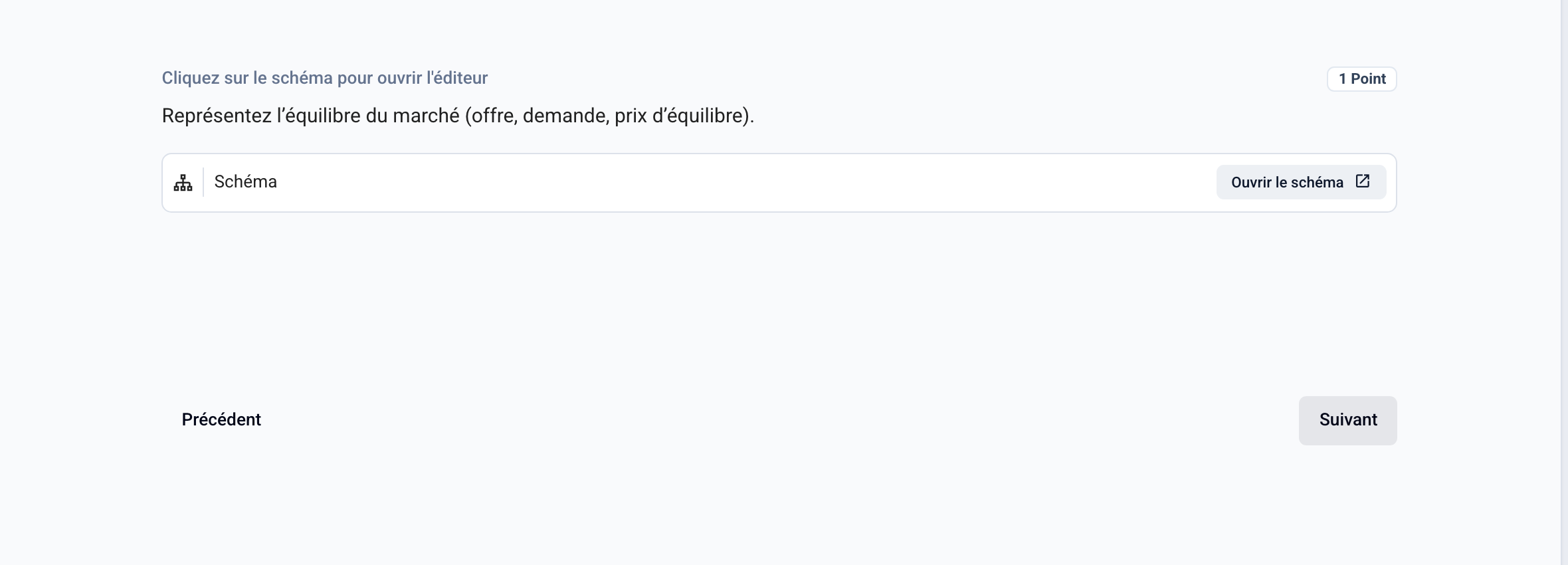
The participant clicks Open Diagram to draw their answer.
You can prepare a grading rubric (criteria and model answer).
💡 This question type is included starting with the Pro plan.
Was this helpful?
Still need help? Ask the team