QCU Question
Create a single-choice question that is graded automatically.
Written By Florian Barral
Last updated About 7 hours ago
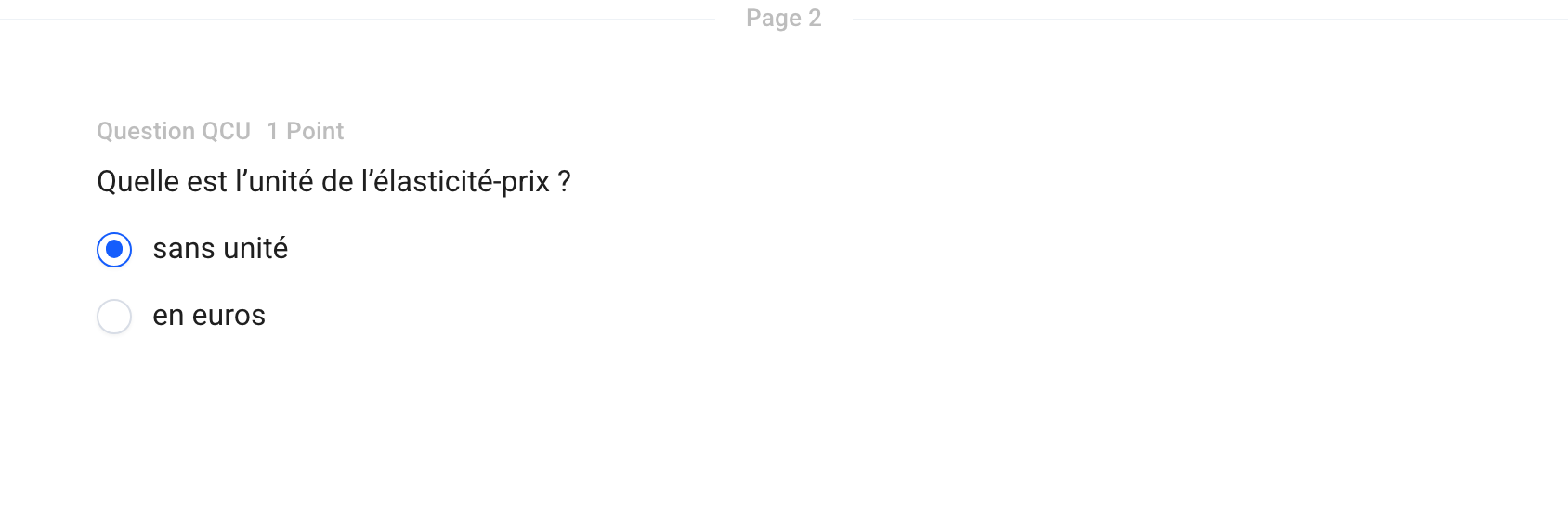
A single-choice question (SCQ) offers several options, only one of which is correct. The participant may select only one option. The answer is graded automatically.
Create a Single-Choice Question
On the Create tab, click Add at the bottom of the section and select Single-Choice Question.
Enter the question text in the “Question Name” field.
Enter the answer choices, then check the correct one.
Click 1 Point to change the number of points.
Options
Click the ⋮⋮ icon to the left of the question to open its menu:
Correction Comment: Text displayed on the corrected answer sheet, if you grant access to the answer key.
Convert to Multiple Choice: allows for multiple correct answers.
Add a document: a PDF, video, or audio file.
Grading
The QCU follows the exam’s multiple-choice grading scale. See Classic Multiple-Choice Grading Scale and Discordance Multiple-Choice Grading Scale
Multiple correct answers possible? Use a Multiple-Choice Question

Was this helpful?
Still need help? Ask the team