Single-choice question
Create a single-choice question that is graded automatically.
Written By Florian Barral
Last updated 38 minutes ago
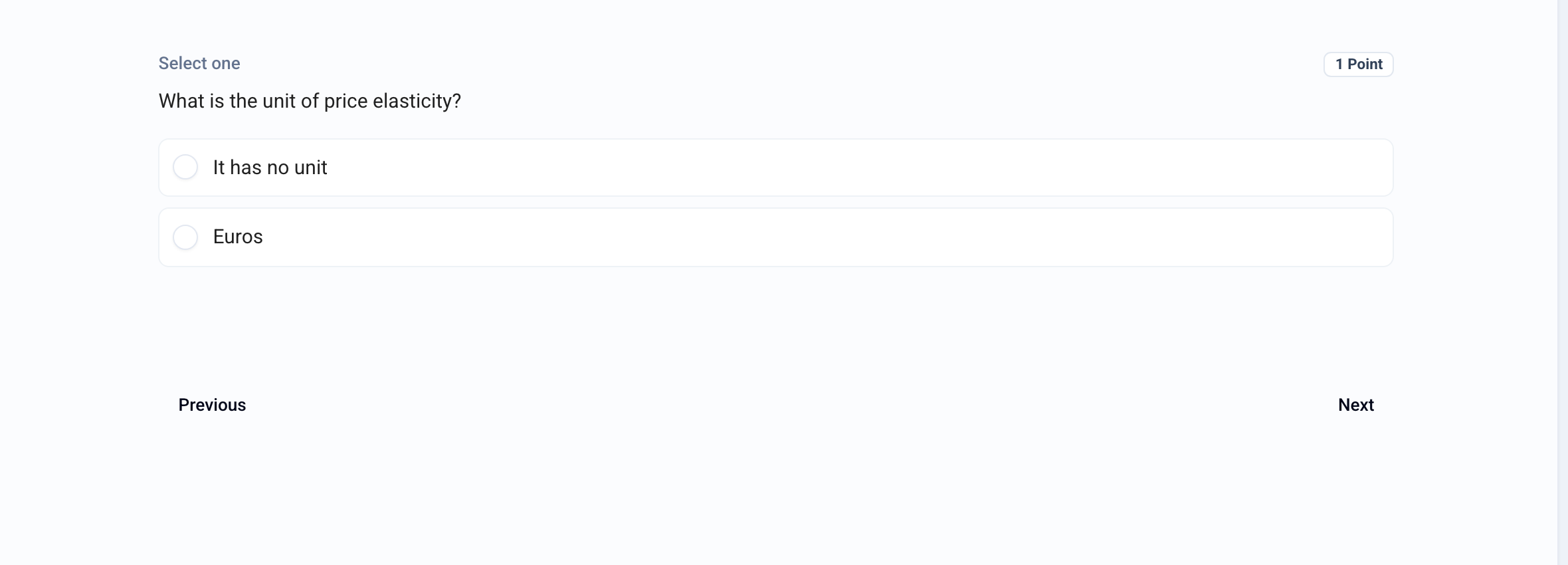
The single-choice question (SCQ) offers several choices, only one of which is correct. The participant can select only one choice. Grading is automatic.
Create a single-choice question
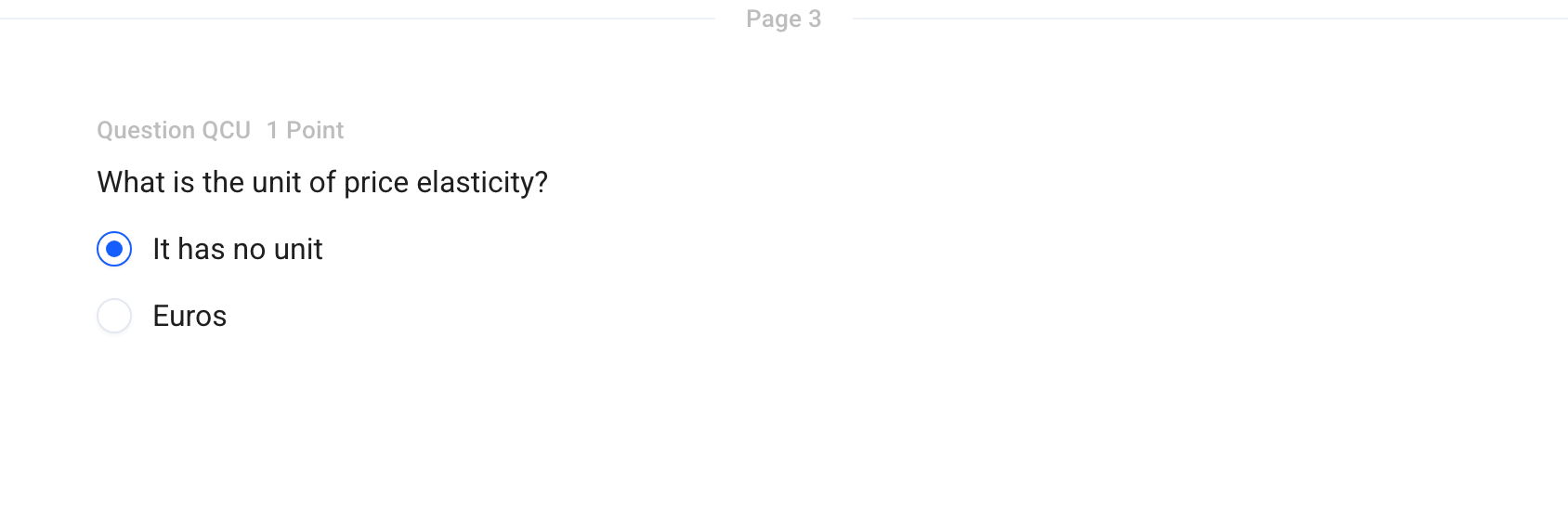
In the Build tab, click Add at the bottom of the section and choose Single choice.
Enter the question text in place of Question name.
Enter the choices, then check the correct one.
Click 1 Point to change the number of points.
Options
Click the ⋮⋮ icon to the left of the question to open its menu:
Correction comment: a text shown on the graded submission, if you give access to the answer key.
Convert to MCQ: allows several correct answers.
Add a document: a PDF, a video, or an audio file.
Grading
The single-choice question follows the exam's multiple-choice grading scheme. See Standard MCQ grading scheme and Discordance-based MCQ grading scheme
Several correct answers possible? Use a MCQ Question
Was this helpful?
Still need help? Ask the team