Changelog

Follow new updates and improvements to Evalmee.

Redesign of the Examiner interface
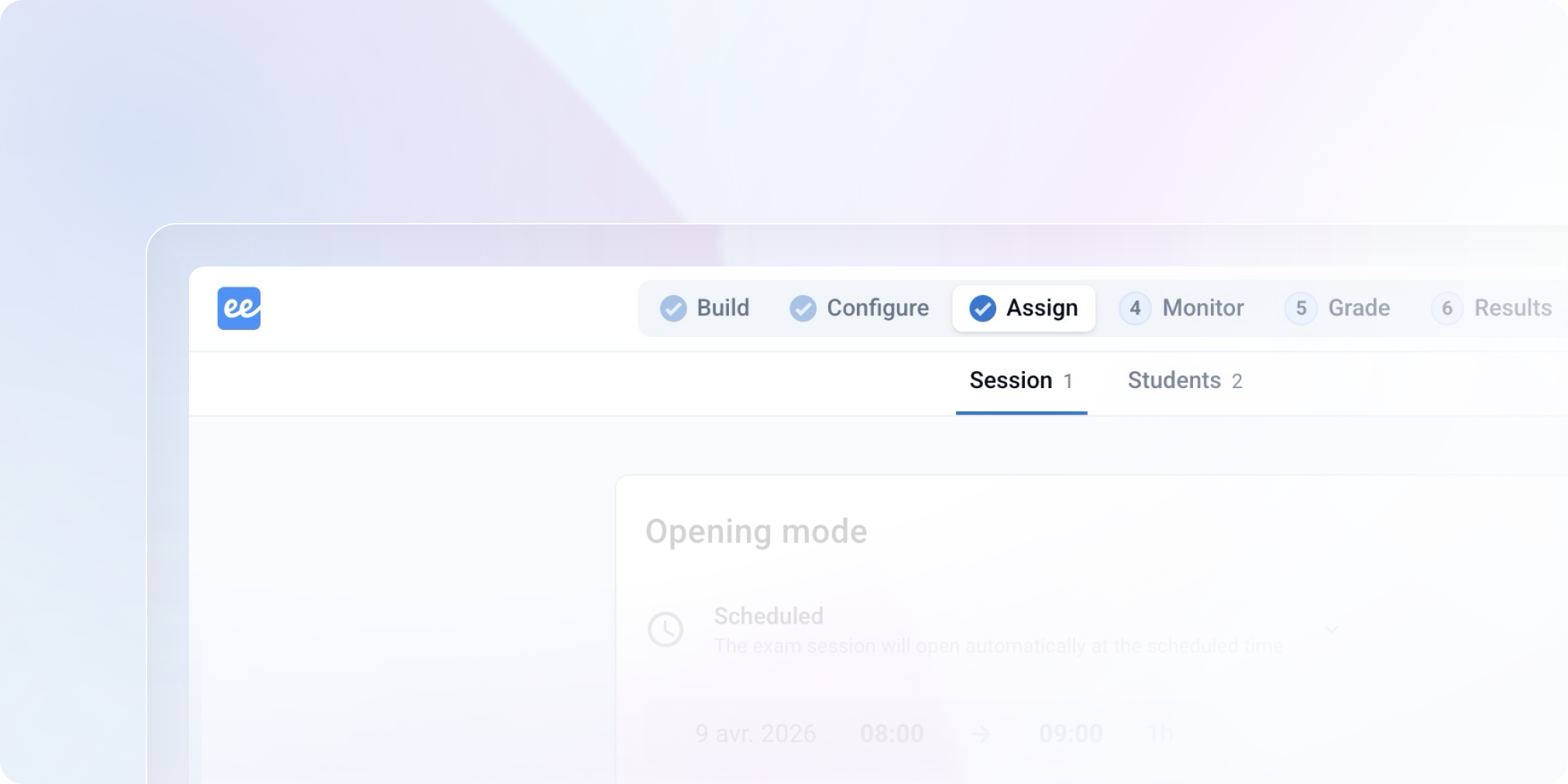
A redesign intended to free up space, make the lifecycle of an exam more readable, and lay the groundwork for what comes next. 👀

New navigation bar

The key steps appear at the top of the screen. The left menu disappears to make more space for the content.

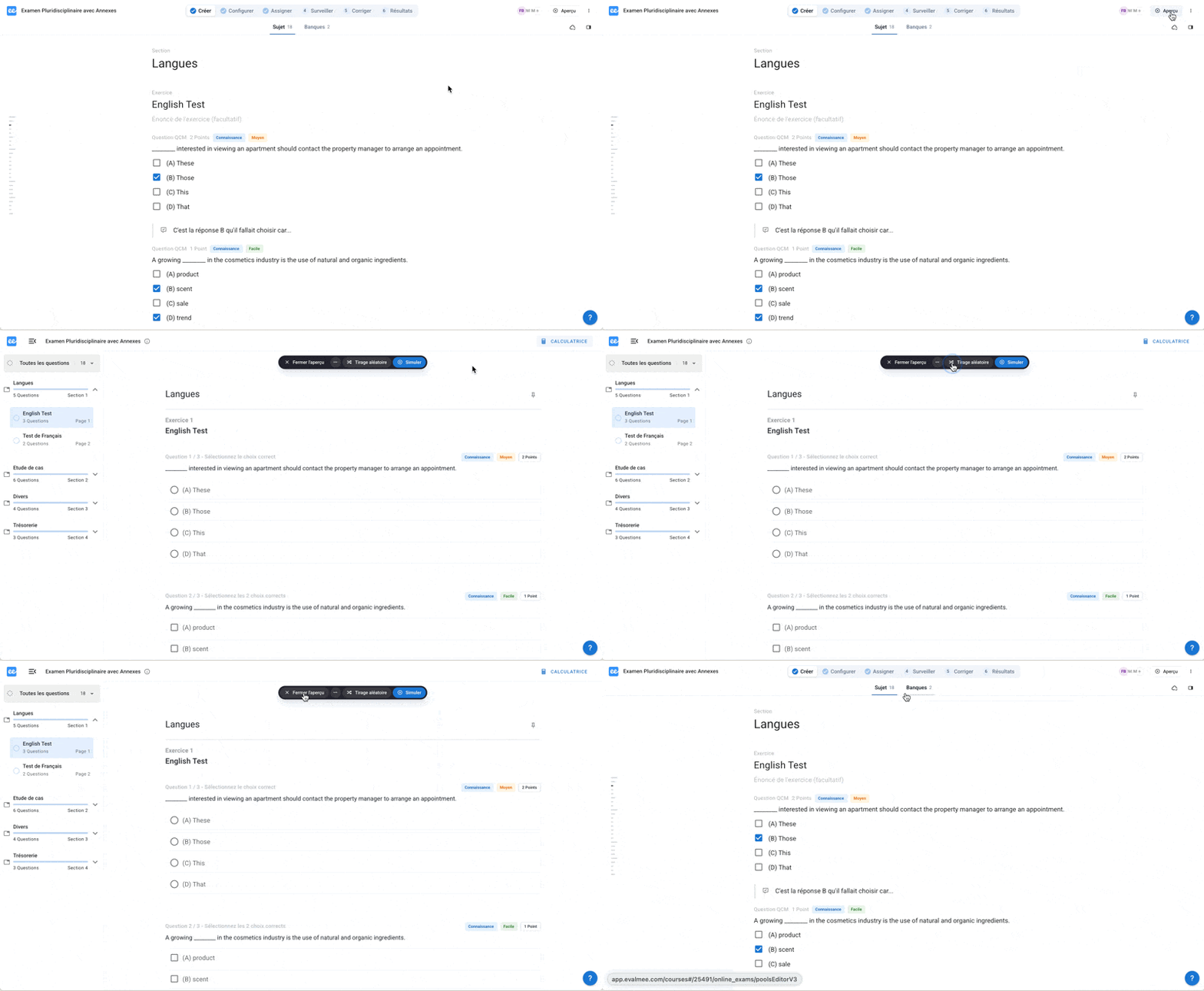
Instant Preview

View at a glance the exam as your students see it, without leaving your interface and from any step. You can always simulate the exam completely.
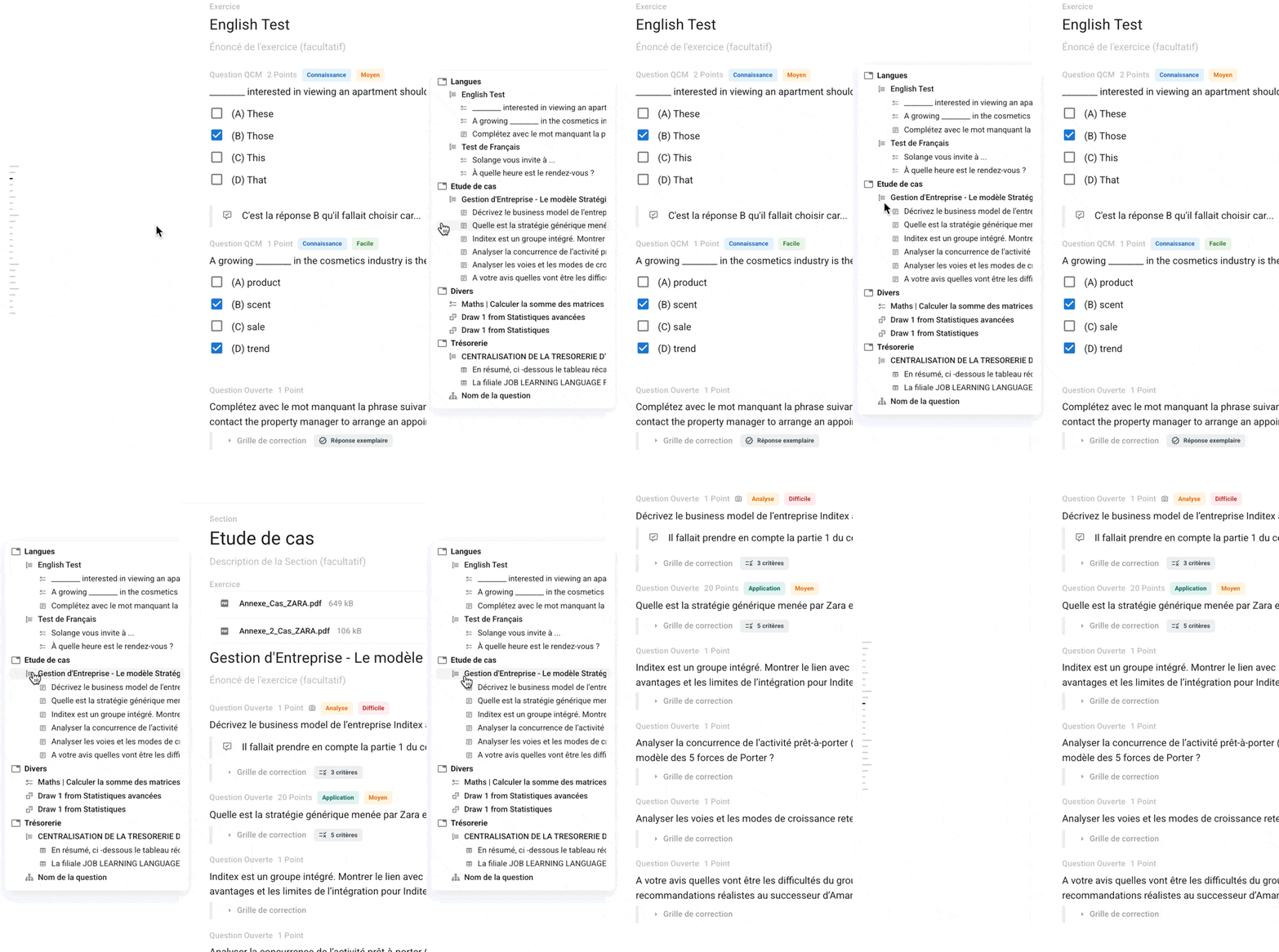
The exam plan is always visible

A table of contents is always accessible during the creation of your subjects. Go to preferences from your profile to set it on the right or left of the screen.
Redesigned settings & session management

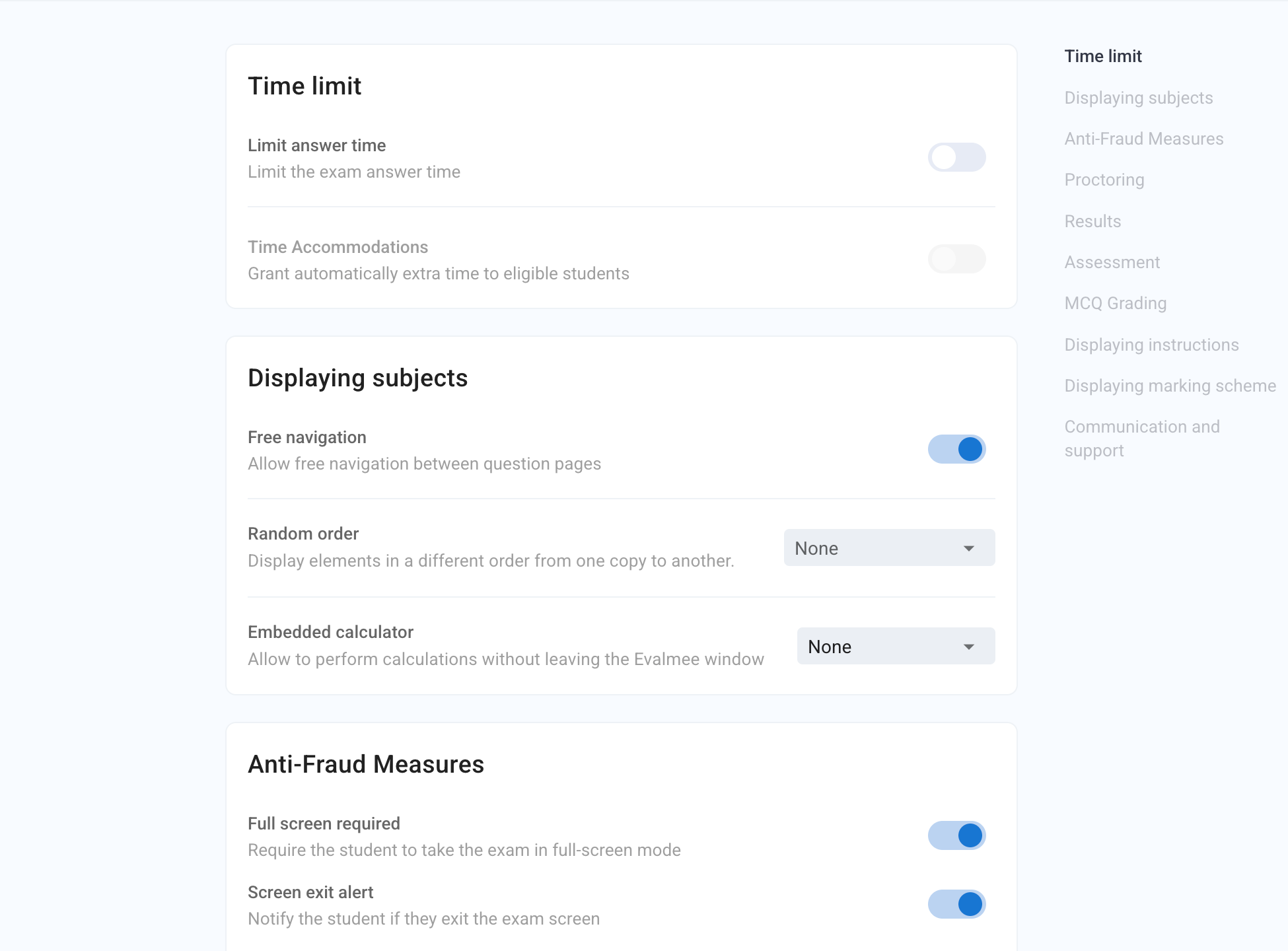
We have simplified the settings page and added a table of contents to facilitate navigation.

The session configuration has been updated to minimize the number of clicks.
Mathematical keyboard

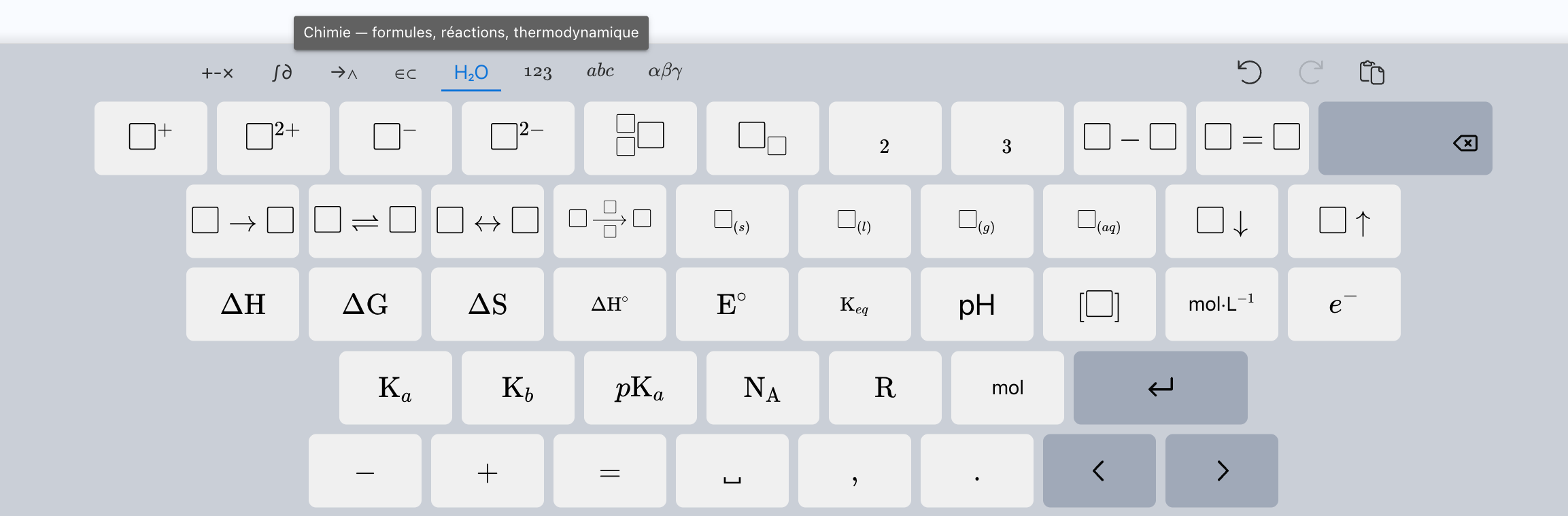
Adding new shortcuts for mathematical and chemistry formulas.

✨ Other Improvements

  • Offline exam: loading the PDF reader at the beginning of the exam

  • Subject editor: added an error message if the coefficient of a question is removed

  • Evaluation criteria: added an error message when creating a criterion with a duplicate code

🐞 Bug Fixes

  • Subject editor: the import button is now disabled if the subject is empty and the exam is open

  • Question-by-question correction: fixed the display of mathematical formulas in the question statement

  • Email notification: improved reliability of updating email receipt statuses

  • PDF copy export: fixed a bug that caused empty copies to be displayed for some students registered for multiple sessions of the same exam
Improved

Grading criteria and new support chat

Evolution of grading criteria

In the subject

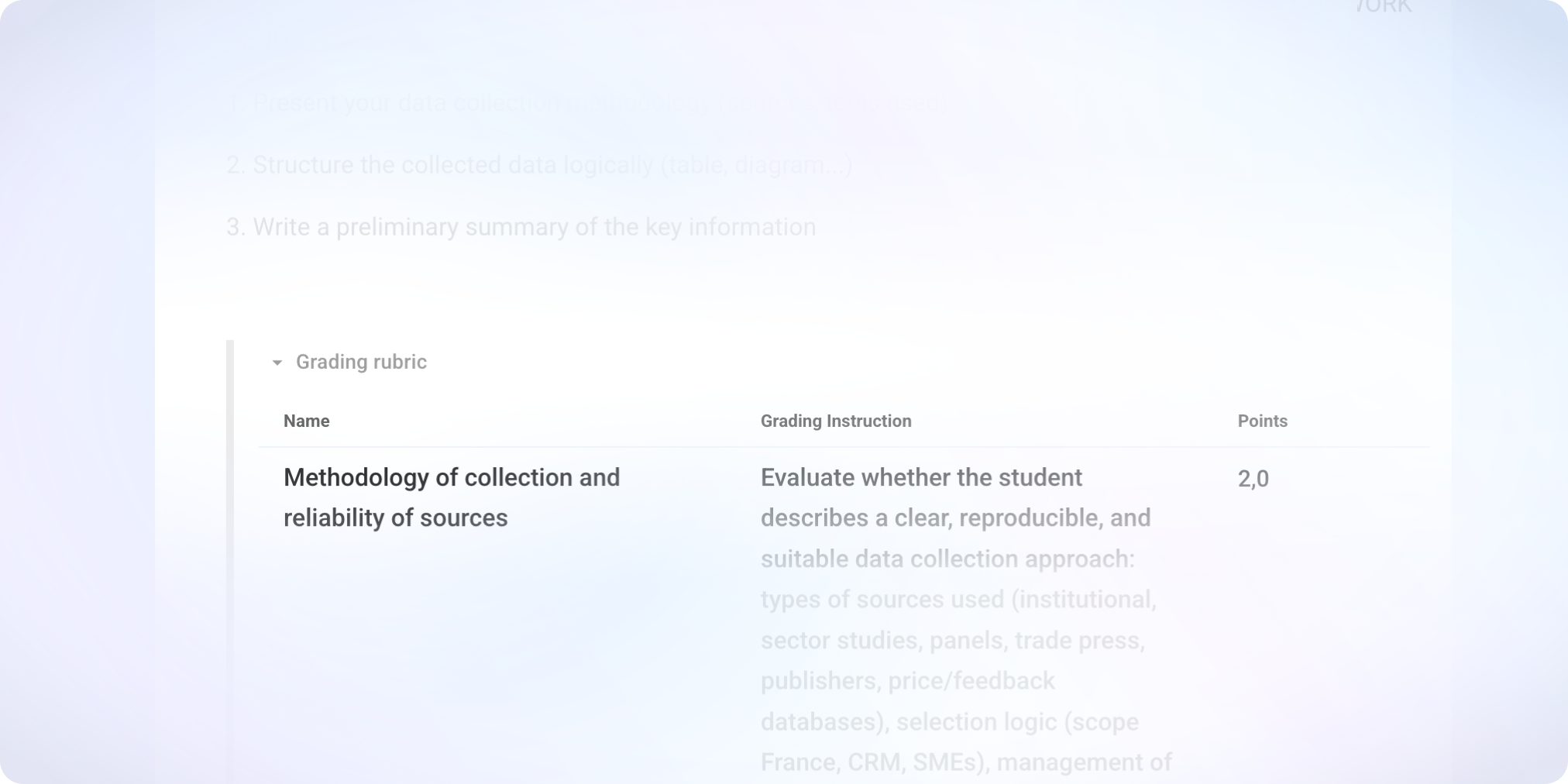
Grading open-ended questions gains clarity and flexibility thanks to a complete overhaul of the grading criteria.

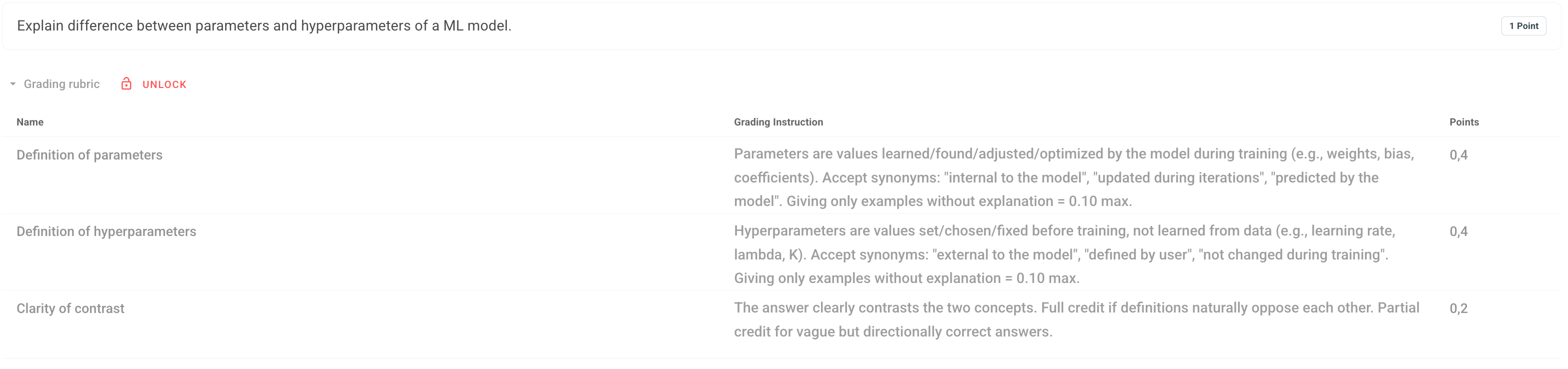
Each criterion is now defined in points, and the points for the question are automatically calculated based on these criteria. This logic replaces percentages and simplifies the construction of grading rubrics.

In the grading

Before grading, the rubric must be locked to ensure consistent evaluation for all students.

It is now possible to grade manually criterion by criterion for each response. The AI grading assistant still suggests scores by criteria, but the teacher can adjust each criterion individually.

At the same time, the suggestions from the AI grading assistant have become more precise.

Adding time to multiple students in a single action

It is now possible to select multiple students on the "Live" page and apply an action to the entire group.

Adding extra time — the most requested action — can now be done in a single operation. Other individually available adjustments are also accessible in bulk.

More responsive support chat

We have evolved the support chat to immediately respond to the most common questions, relying on our documentation.

The goal is to help you faster in everyday situations. And of course, whenever a more specific exchange is necessary, the Evalmee team remains available to take over.


✨ Other improvements

  • Dashboard Admin

    • Improvement of search result sorting for exams

    • New button to open an exam from a student's page

    • New option to assign a teacher as a school admin

  • Subject editor

    • Optimization of import performance in Evalmee format

    • Insertion of images via drag-and-drop or copy-paste

    • Improvement of the “move” subject item

  • Fraud report

    • Zoomed screenshots are now displayed above the timeline

    • Improvement of thumbnail display of screenshots in the timeline

  • Session

    • An error message now appears if an attempt is made to open a session while there are errors in the subject

    • In an open exam, it is now possible to remove a enrolled student who has not started

🐞 Bugs fixes

  • Import Moodle subject: fix for a bug preventing the import of subjects containing images with special characters in their names

  • Screen recording: fix for a bug that prevented recording on certain versions of Safari

  • Fix for a bug that prevented the opening of an exam session if a student was enrolled in multiple groups attached to the same session

  • Fix for a bug that rounded calculator results for numbers with more than 15 digits

  • Time accommodations: fix for a bug that could cause the exam to close before the end of the extra time if the student reloaded the page under specific conditions.

Improved

Maths LaTeX Editor – Code Mode is back with extra improvements

The new editor made writing mathematical formulas accessible to everyone — without needing LaTeX.

But many of you also wanted to bring back the classic LaTeX workflow.

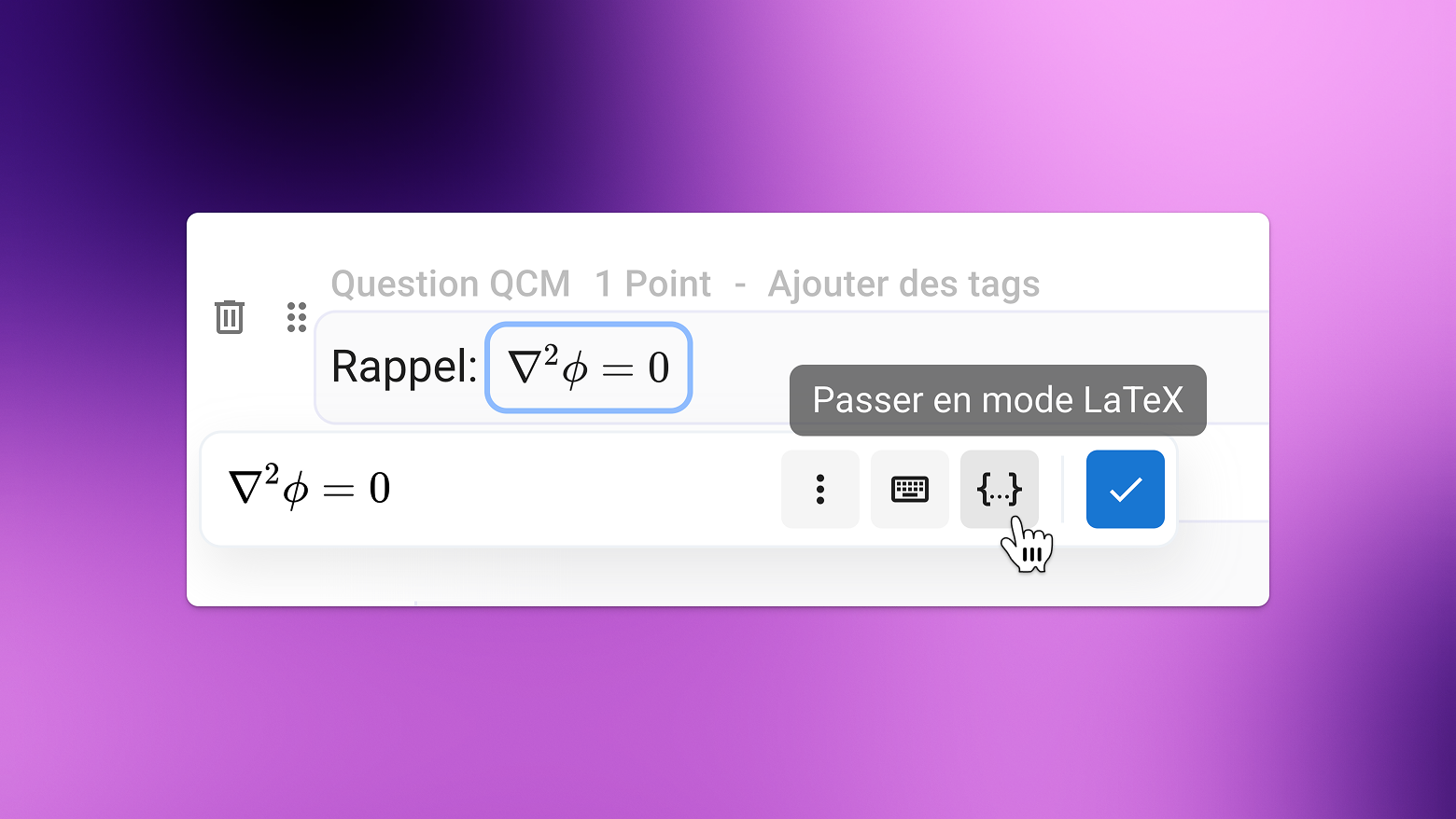
In addition to the Visual mode, a dedicated Code mode is now back, designed for those who prefer writing formulas directly in LaTeX.
Available to all users.

LaTeX Code Mode or Visual Mode

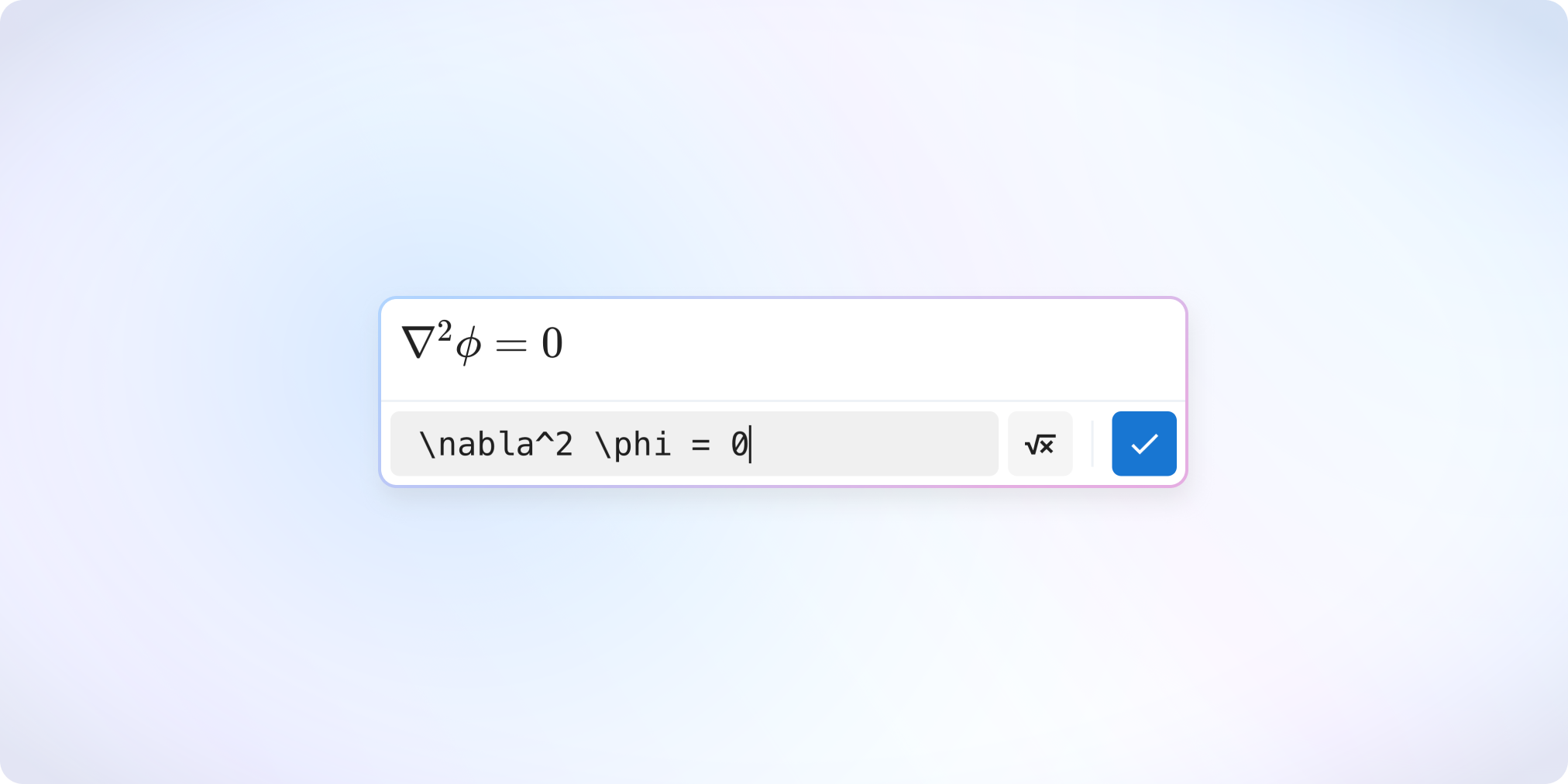
A dedicated LaTeX Code mode is now available: you type your LaTeX code in a separate field, and the rendered preview appears alongside it.
With no real-time interpretation inside the text field, it becomes much easier to adjust or correct a formula.

The last mode you used (LaTeX Code or Visual) is automatically remembered for your next formulas.

Formulas Between “$” — the Classic Workflow Returns

You can once again write formulas between $.
The editor will automatically suggest converting them into a math block.

Need to paste content containing formulas between $ or $$?
It is now correctly interpreted as mathematical notation.

You can also convert any selected text into a formula using the keyboard shortcut Ctrl + Shift + E (or Cmd + Shift + E on Mac).


✨ Other Improvements

Examinee

  • Added additional guidance when screen recording permissions are missing on Mac

  • The calculator button is now easier to spot

Examiner

  • Subject Editor

    • New “YouTube Video” block available in subjects

    • Re-added the correction preview option

    • Limited to two spreadsheet questions per exercise to ensure smoother performance

    • Improved error display

  • Improved accuracy of AI correction suggestions for new exams

  • Detection of new AI-powered browser extensions

  • Simplified result display options

  • One-click access to the Help Center and the Suggestions page

  • Grade export: separation of columns related to durations of suspicious behaviors

  • Added a button to refresh the examinee timeline during an exam


🐞 Bug fixes

  • Subject editor

    • Fixed display issues for certain images in subjects duplicated before October 2025

    • Fixed “jumping” when scrolling in the editor when many code blocks were present

    • Subjects are no longer editable while an exam is being opened

    • Fixed a bug preventing modification of certain duplicated exams

    • Fixed subject imports containing quotes inside descriptions or code blocks

  • Fixed grading-by-criterion suggestions that could exceed the maximum score in rare cases

  • Fixed a bug preventing the “minimum grade” option from appearing on some exams

  • Fixed an issue blocking screen recording on some Safari versions

  • Fixed the “number of questions” scale when question banks are used

  • Fixed table rendering in blank and corrected PDF subjects

  • Fixed an issue where certain exam invitation emails appeared as “sending” even though they were already “received”

Improved

Earlier updates