Export graded copies .pdf
Written By Florian Barral
Last updated 12 months ago
In the Grades tab, click EXPORT in the top right corner:
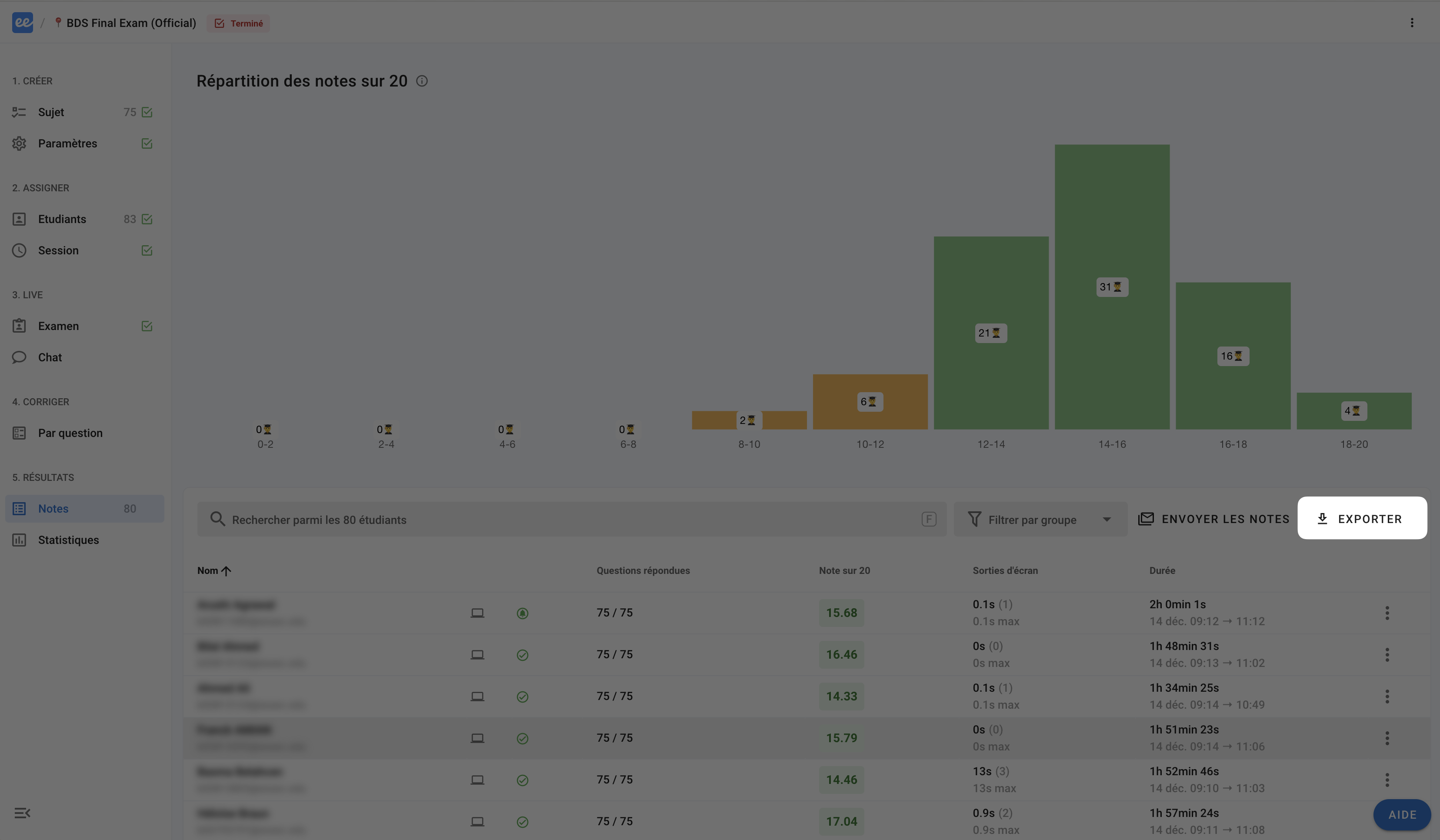
You can then export the notes to Excel in two formats:

Submissions archive: A
.zipfile containing a.pdffile for each participant. Ideal for archiving and quickly finding submissions for a specific participant.All submissions: A
.pdffile containing all graded submissions. Ideal for printing everything at once.
Was this helpful?
Still need help? Ask the team