Aurion (Auriga) integration
Import and synchronize an exam's participants from an Aurion exam.
Written By Florian Barral
Last updated 11 days ago
Contact us to set up the integration.
Import your participants from Aurion in 3 steps:
In
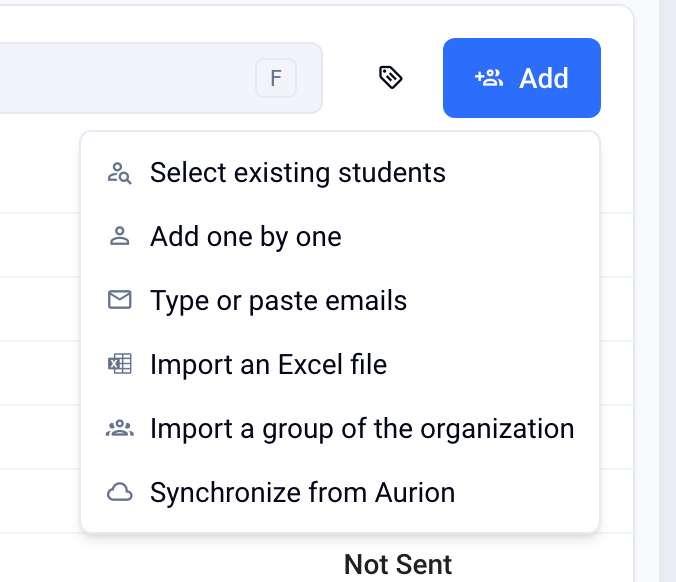
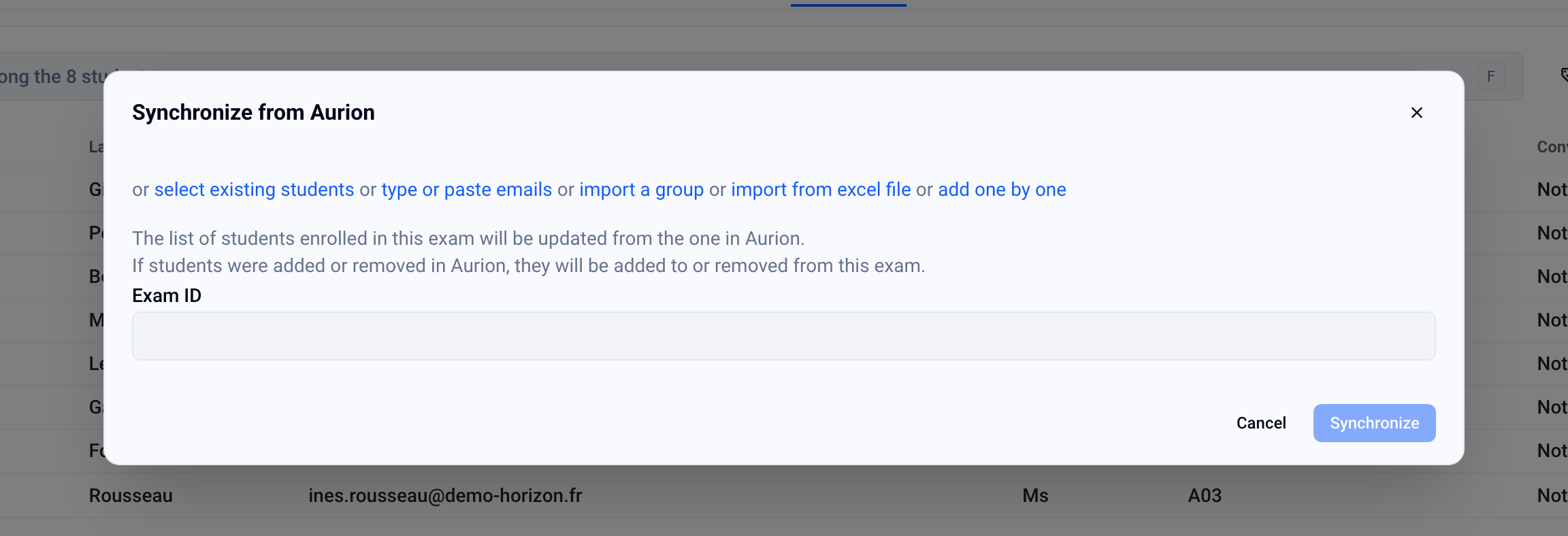
Assign›Participants, clickAdd, thenSynchronize from AurionEnter the Exam ID from Aurion
Click
Synchronize. The exam's enrollment list is then matched to Aurion's: participants added or removed in Aurion are added to or removed from the exam. Run the synchronization again if the list changes. Grades are not sent back to Aurion.
Was this helpful?
Still need help? Ask the team