Choose your organization's vocabulary
Students, learners, candidates…: choose the words Evalmee uses for who takes your exams and who creates them.
Last updated About 6 hours ago
Evalmee is used in education, training, certification, and in companies. Choose the words the interface uses for the people who take your exams and for those who create them.
This setting is reserved for administrators. With an individual plan, you are the administrator of your own workspace, so it is available to you.
Choose your sector
In your settings, under Administration, click Organization. The setting is in the last block of the page.
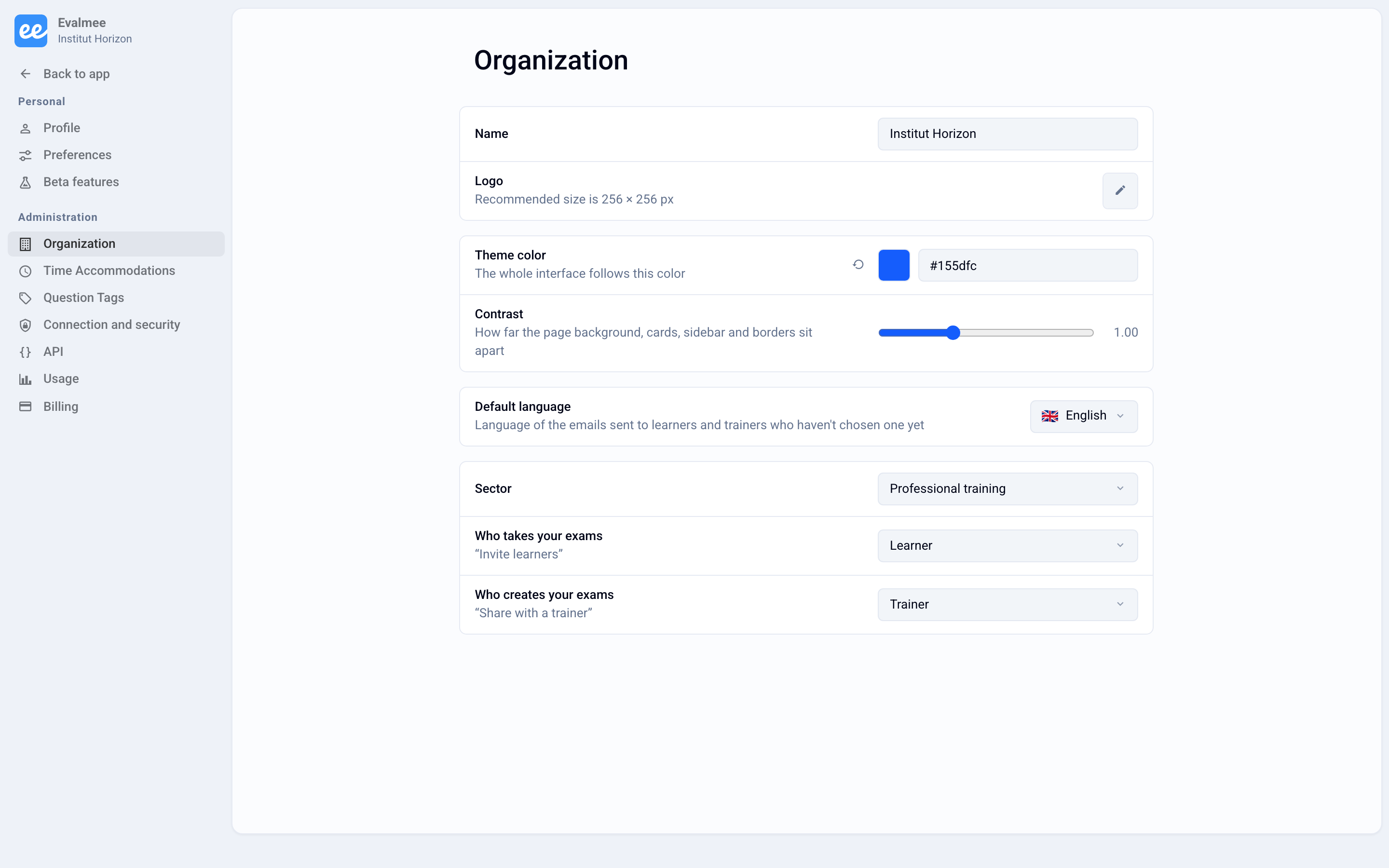
Choose your Sector: the two matching terms apply right away.
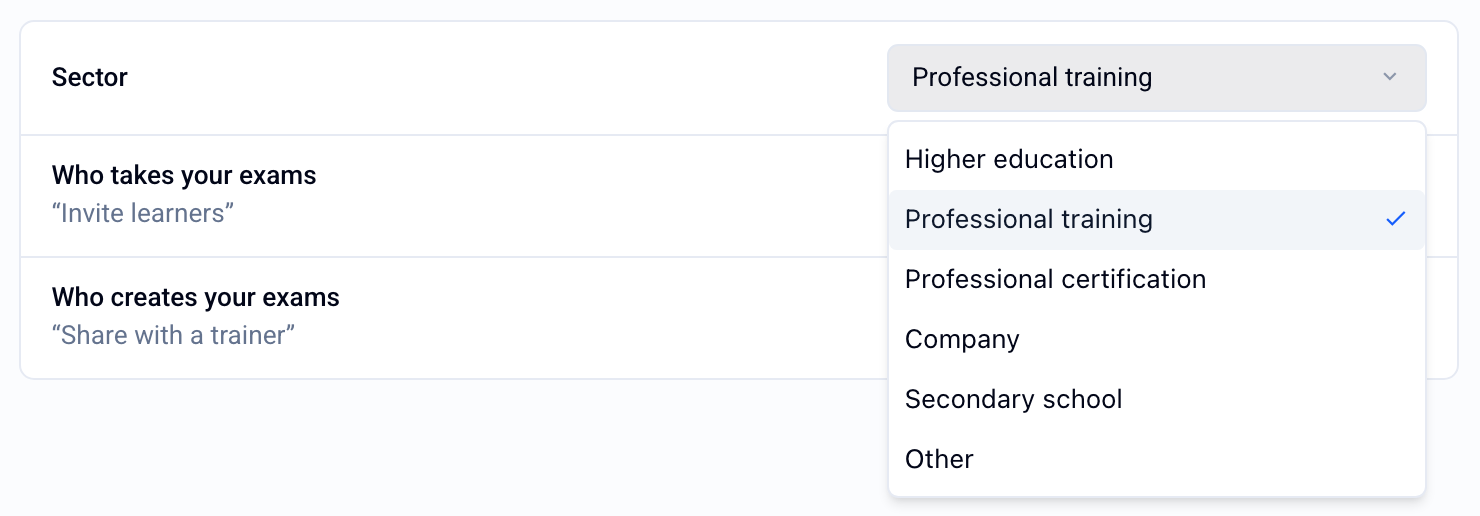
Adjust each term
You can then change one term without touching the other:
Who takes your exams: Student, Student (school), Learner, Candidate, Participant, or Employee.
Who creates your exams: Teacher, Professor, Trainer, Examiner, or Evaluator.
Under each field, an example sentence shows the result, for example “Invite learners”. Your choice is saved immediately.
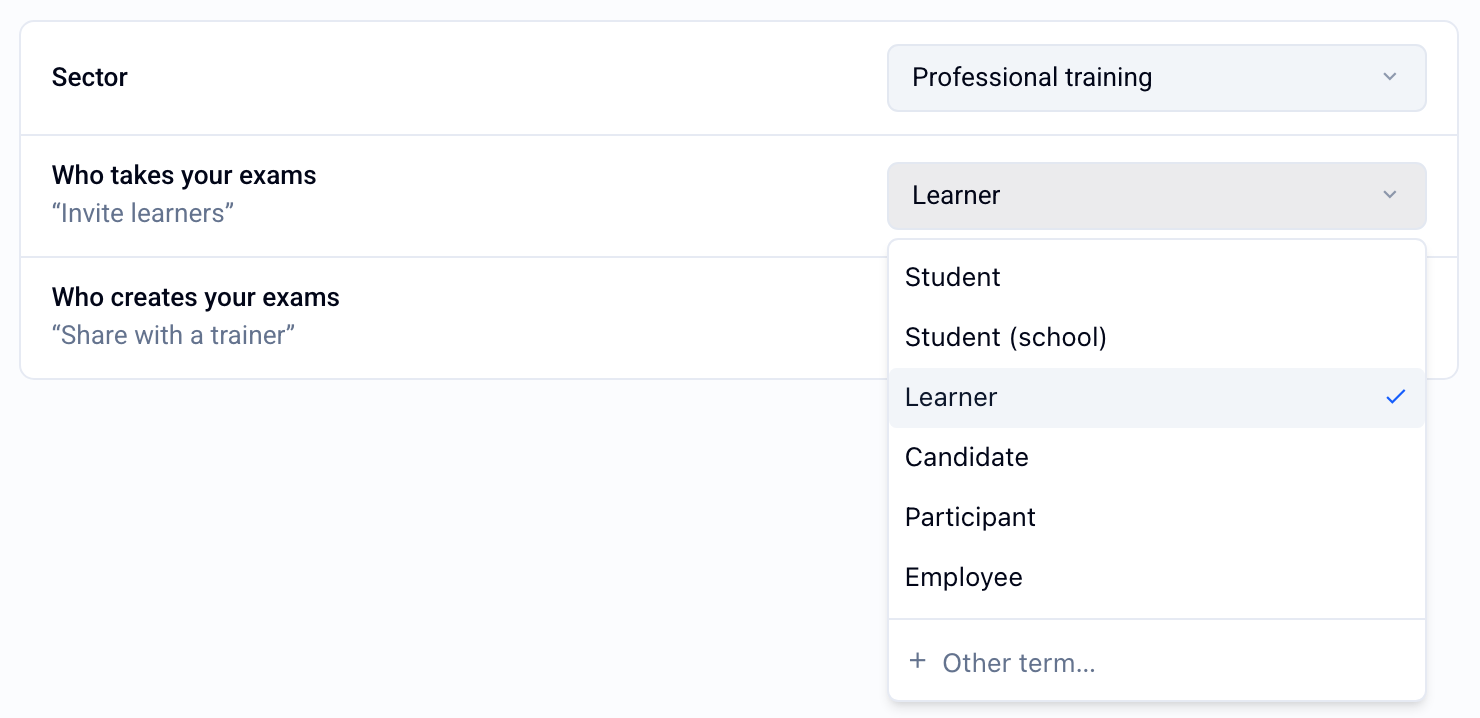
Missing a word?
Choose Other term… at the bottom of the list: the support chat opens so you can ask us. The current term stays selected in the meantime.
What changes
The words you choose replace the default terms in the interface for all members of your organization, as well as on your participants’ exam screen. For example, the tab that lists the participants of an exam takes the name you chose.
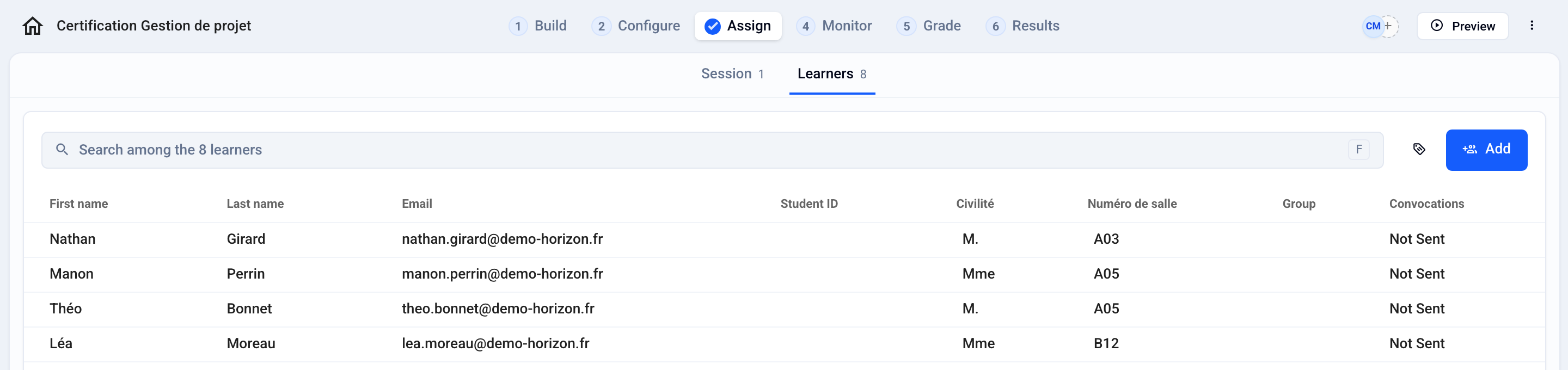
ℹ️ For now, the emails sent by Evalmee and PDF documents keep the default terms.
Was this helpful?
Still need help? Ask the team