Preview or simulate the exam
Written By Florian Barral
Last updated About 7 hours ago
Quick preview
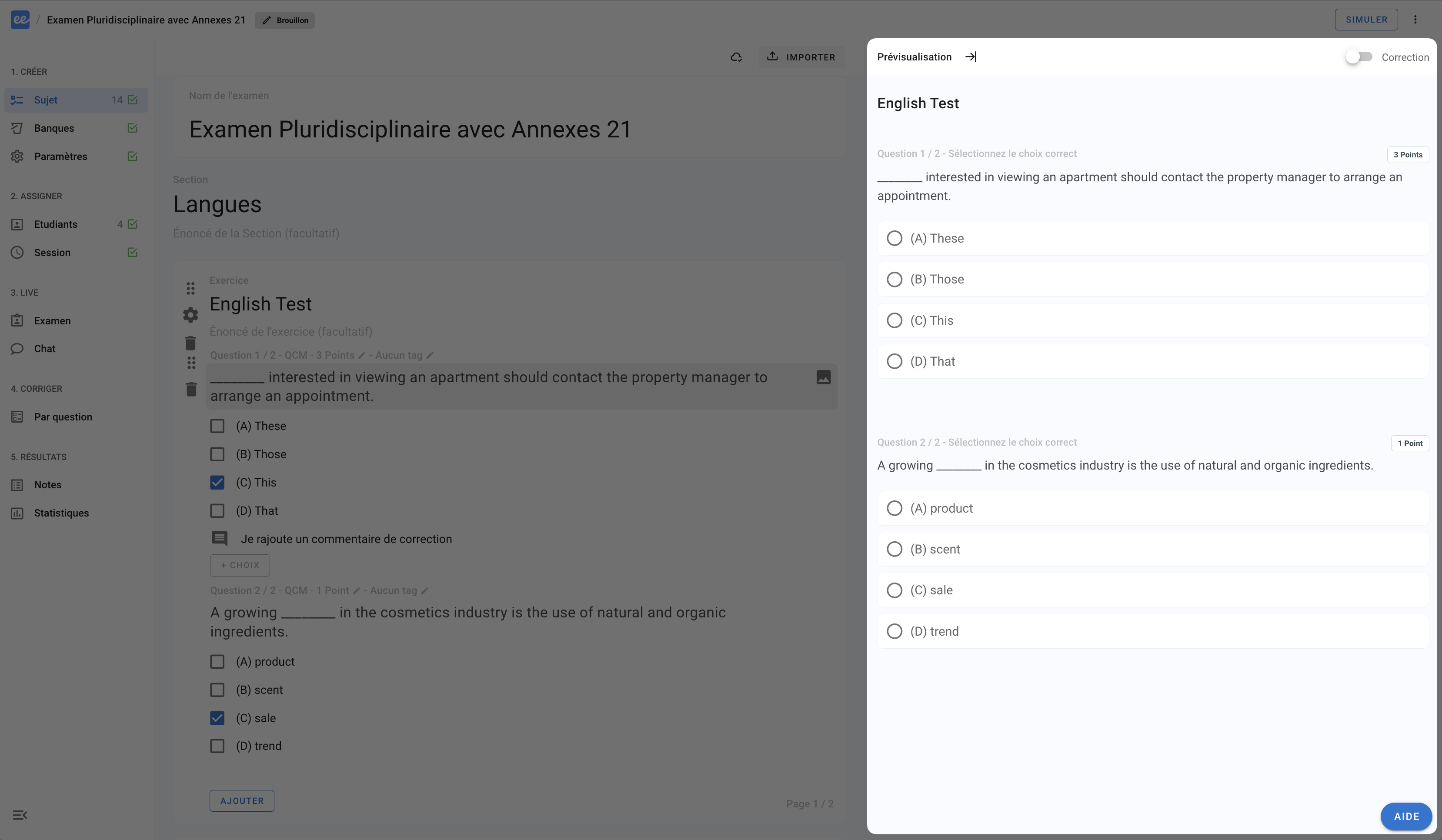
When you hover over a question or exercise page in the exam subject editor, a preview of how the questions appear on the participant interface is shown on the right.
Full simulation
Simulate the full participant experience:
Click
Simulate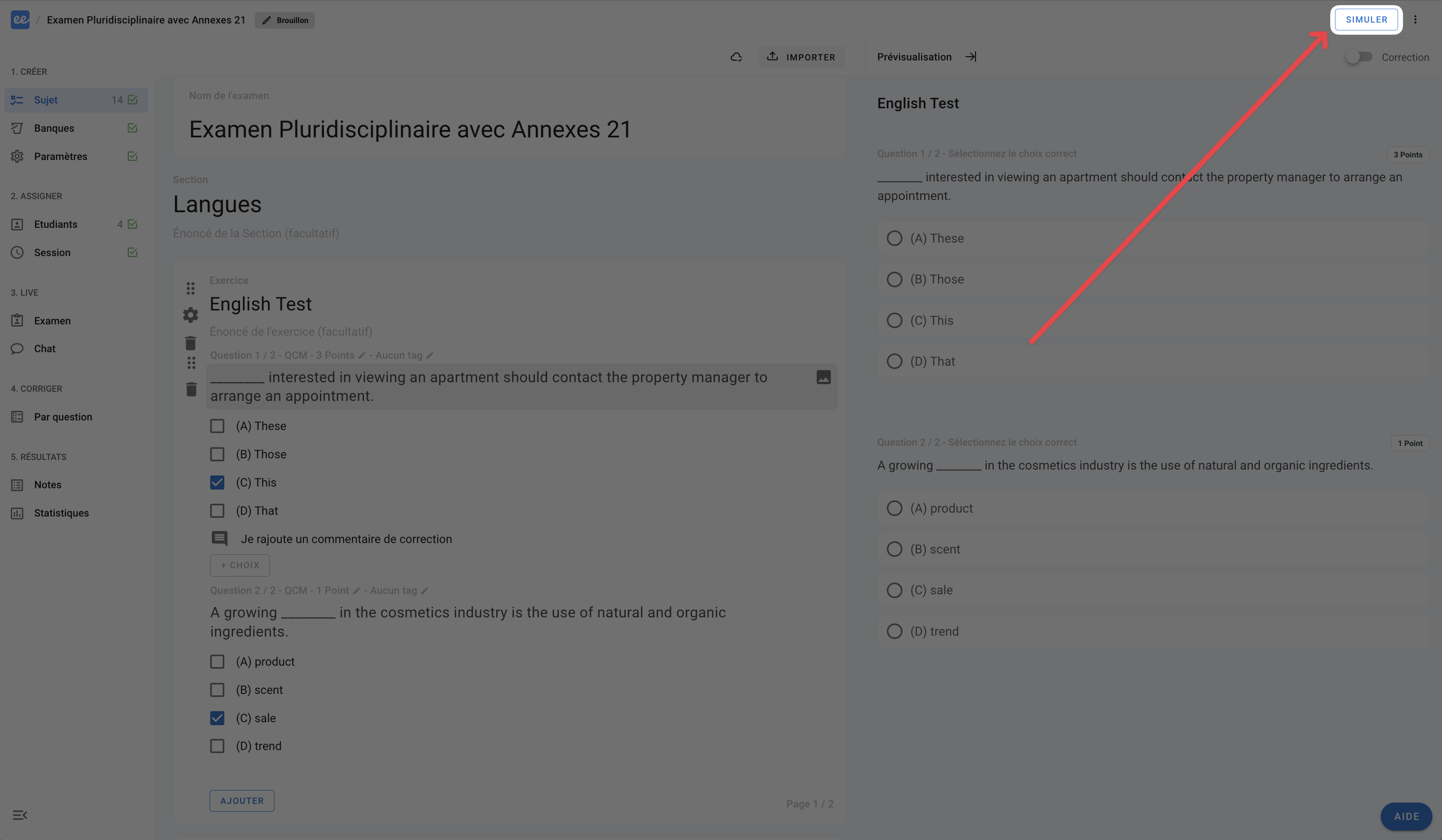
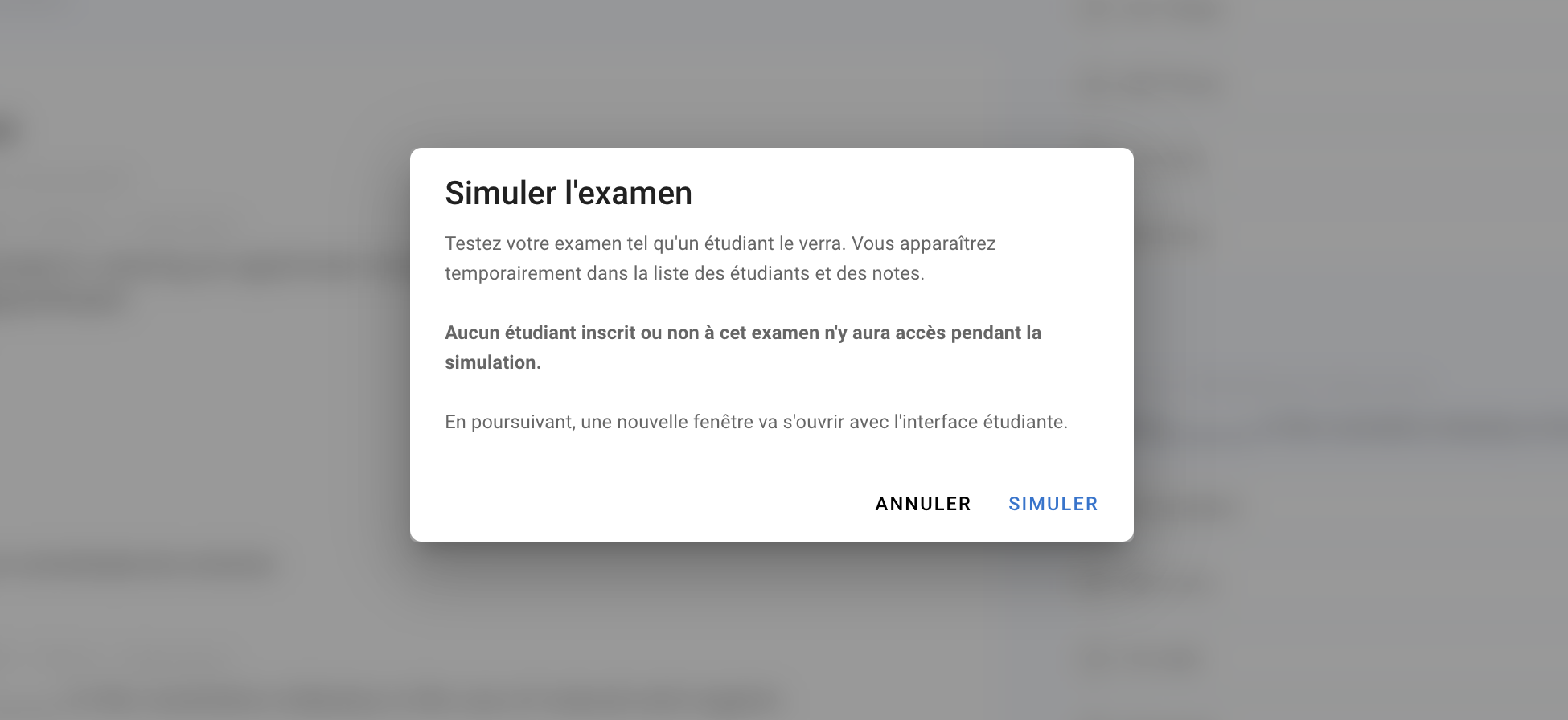
Click
Simulateagain. A new page opens in a new tab.❗ Make sure your browser allows pop-ups on the Evalmee site, otherwise the page will not open and you will not be able to simulate the exam.
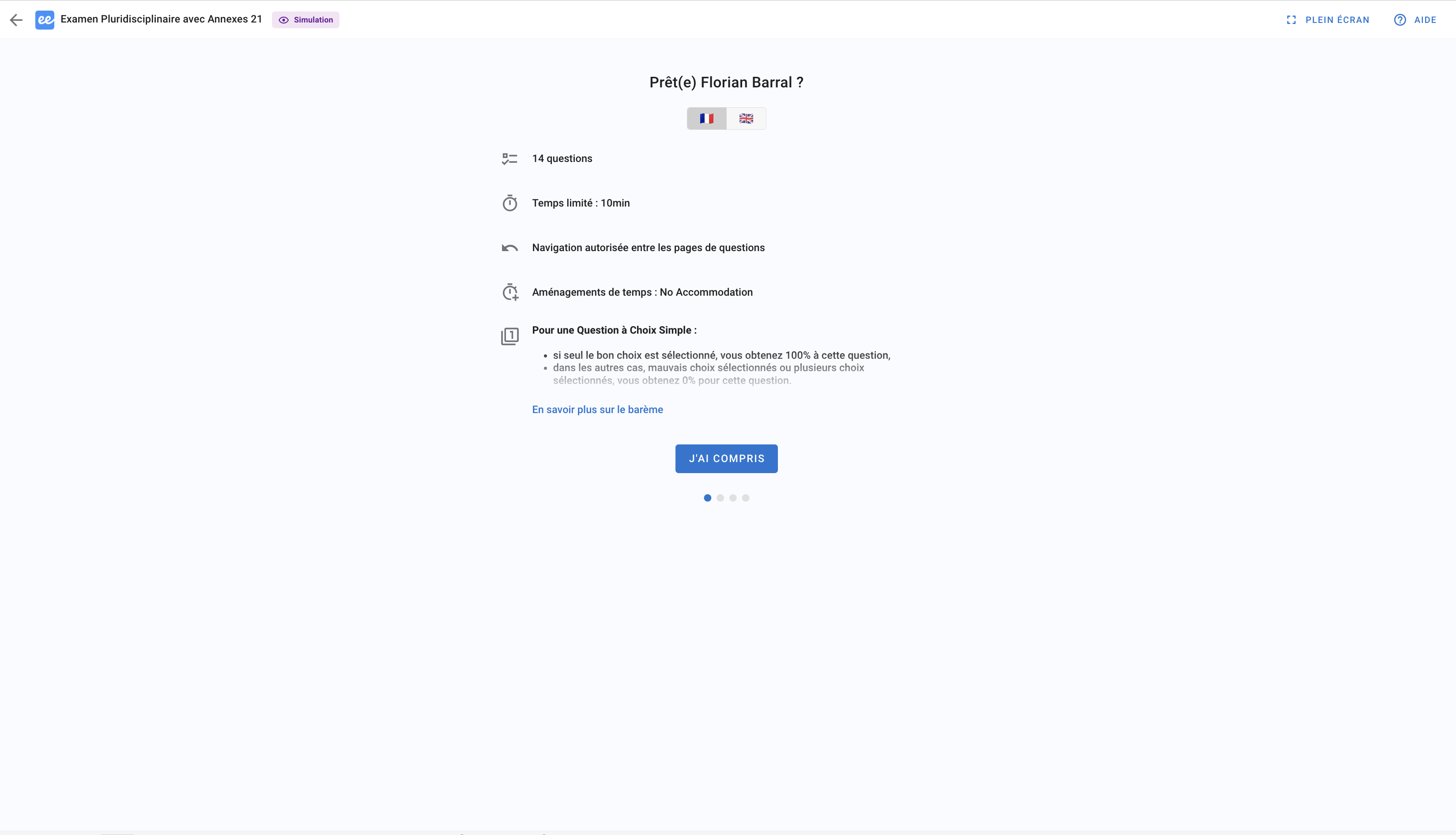
On the new page, you go through the full participant experience: access the exam (from the home page, from the link in the convocation email, or from your LMS), complete the exam onboarding, and answer the questions
💡 At the same time, you can follow your progress as a participant from the exam management interface
❗ Note: you currently cannot simulate an exam that has already ended.
Was this helpful?
Still need help? Ask the team