Complementary statement
Add informational text to an exercise.
Written By Florian Barral
Last updated About 2 hours ago
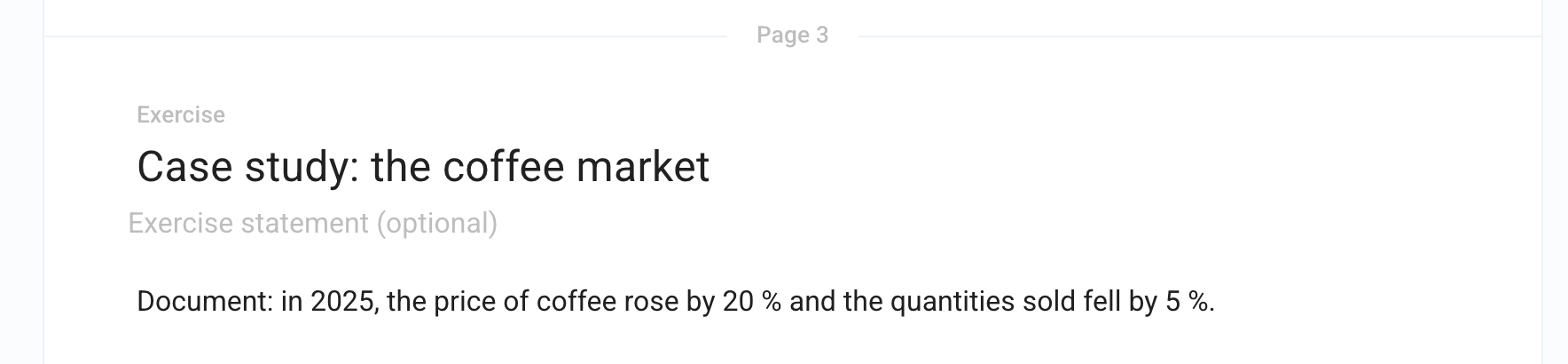
A complementary statement is a block of text placed in an exercise, between two questions: a document to read, data, or a course reminder. It is worth no points.
Add a complementary statement
Add an Exercise to a section (Add › Exercise).
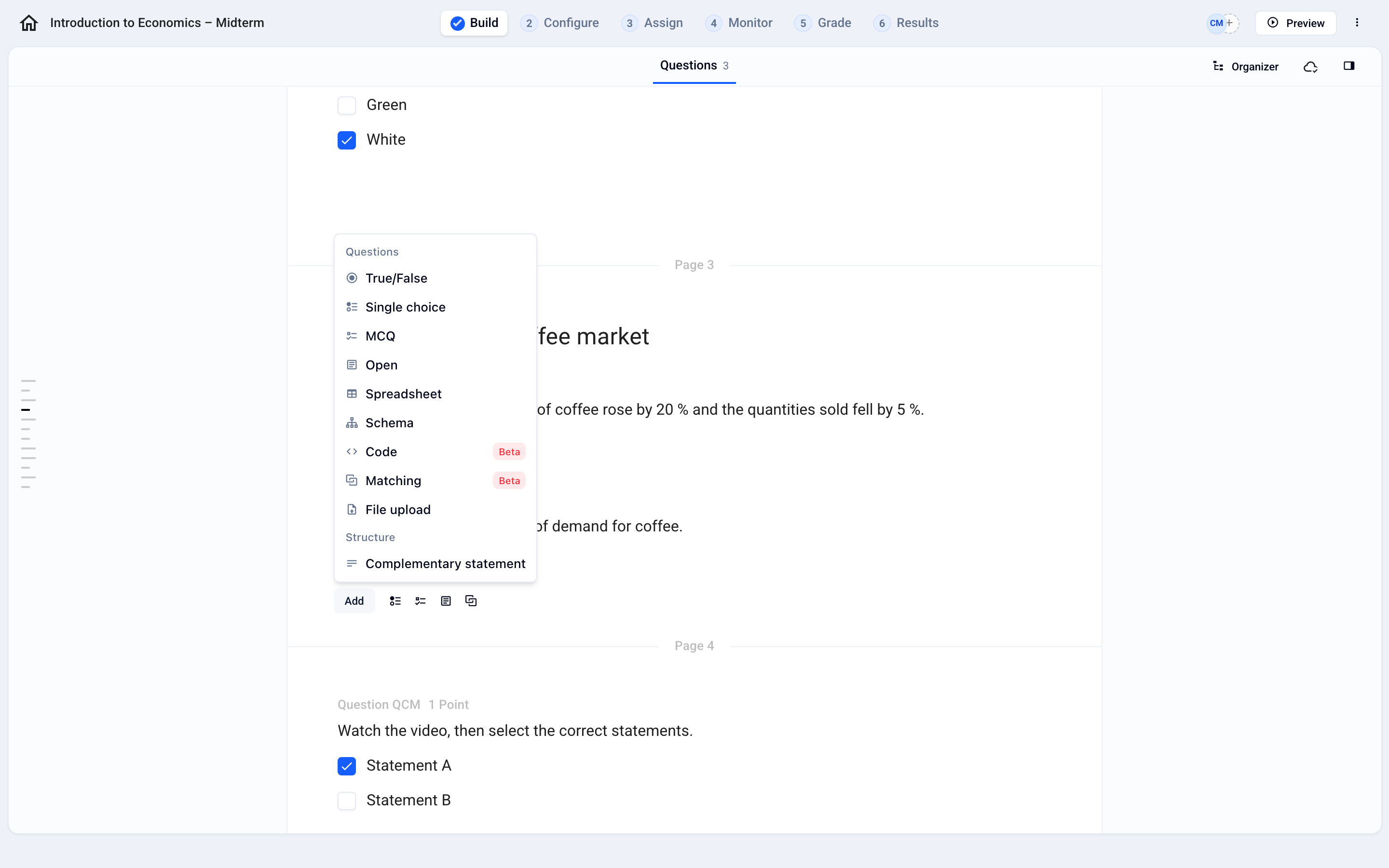
In the exercise, click Add, then Complementary statement (under Structure).
Enter your text. You can add images, formulas, or tables.
⚠️ In an exercise that contains a complementary statement, questions can no longer be shuffled by random order.
Was this helpful?
Still need help? Ask the team