Code question
Have participants write code in a suitable editor (beta).
Written By Florian Barral
Last updated About 2 hours ago
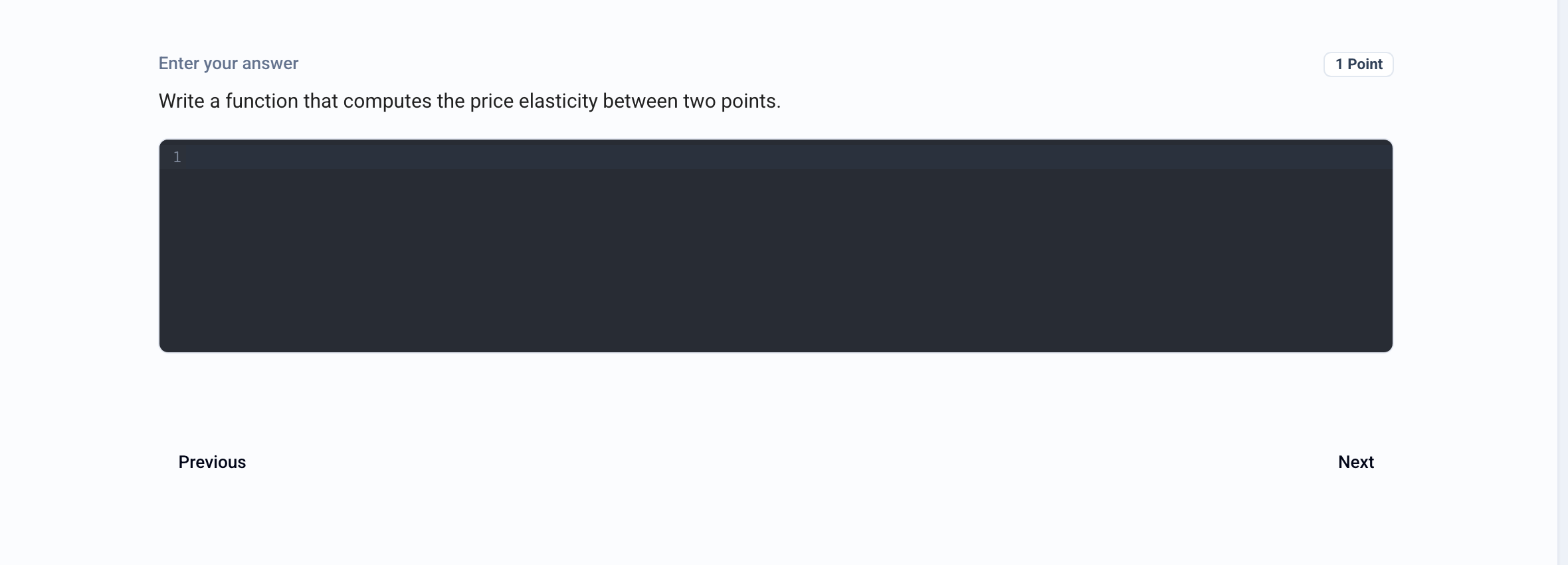
The Code question asks the participant to write code in a suitable editor (syntax highlighting, line numbers). Grading is manual. This type is still in beta.
Create a Code question
In the Build tab, click Add at the bottom of the section and choose Code.
Enter the instructions in place of Question name.
Choose the language from the Language list (JavaScript, TypeScript, Python, Ruby, SQL, Java, C/C++, HTML, CSS, PHP, JSON, Markdown or plain text). This is the language participants see.
Turn on Allow autocompletion if you want the editor to offer suggestions (not available in plain text).
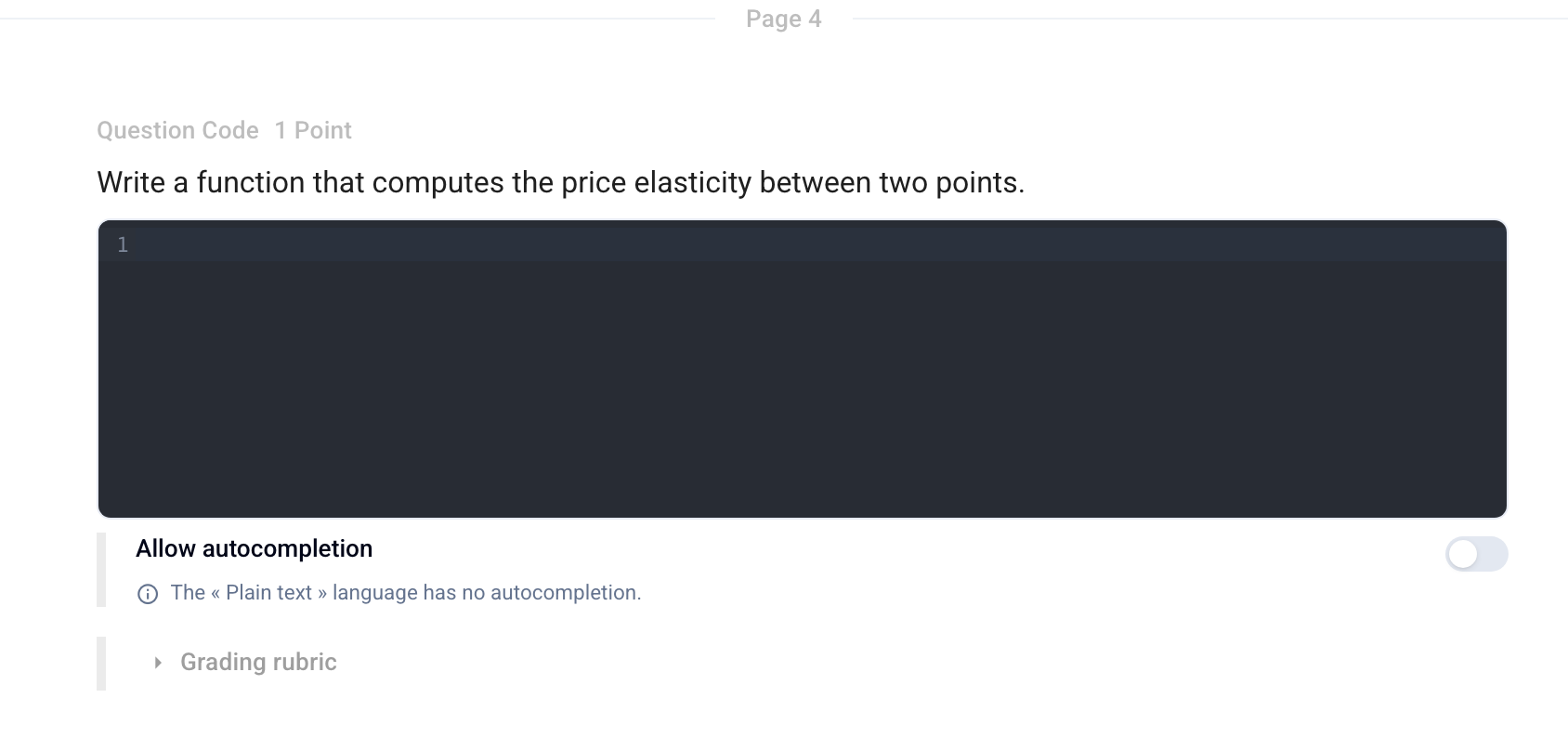
You can prepare a Grading rubric (criteria and exemplary answer) to make grading easier.
💡 This question type is included starting with the Pro plan.
Was this helpful?
Still need help? Ask the team