Standard MCQ grading scheme
Written By Florian Barral
Last updated About 6 hours ago
Detailed explanations of the grading scheme
More explanations at this link.
Our configuration recommendations
Reward
For simplicity, we recommend a
ProportionalReward .But if you deal with critical material where it is crucial to get all the correct choices at the same time, go for
All or nothinginstead .
Penalty
To prevent chance from statistically earning points, we recommend that the Penalty be
Proportionalto theNumber of incorrect choices.To be more lenient or more demanding, you can also choose
Noneas the penalty or set aFixedpenalty.
Reward (points earned for correct choices checked)
Penalty (points removed for incorrect choices checked)
Penalty calculation basis
If Penalty = Cumulative — Defines how many points are removed per incorrect choice checked:
If Penalty = Absolute — Defines the fixed total of points awarded to the question as soon as an incorrect choice is checked:
Floor (minimum score)
Prevents the question’s total points from dropping below a value, whatever penalties are applied:
Selectable choices limit
When this option is enabled:
The participant can only check exactly the number of correct choices expected
This number is displayed in the instructions
If this option is enabled, “Select the X correct answers” will be displayed on each question.
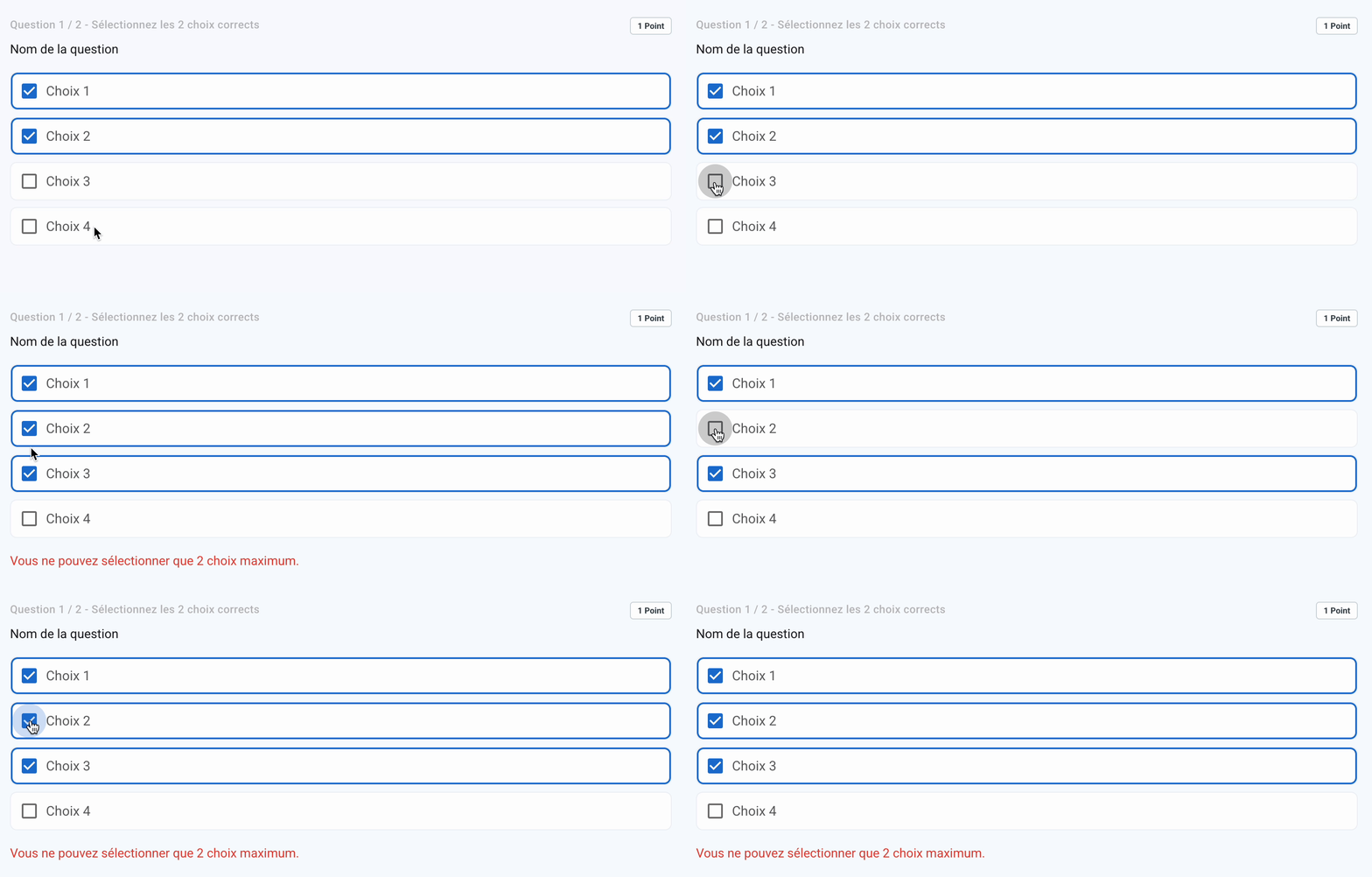
In a grading scheme without penalties, we want to prevent participants from getting all the points by checking every choice, so this choice limit is enabled by default.
IMPORTANT: Remember to update the grading scheme displayed to participants via the "marking scheme" link so they understand the grading rules. The default scheme displayed does not currently adapt to the options checked.
Was this helpful?
Still need help? Ask the team