Changelog

Follow new updates and improvements to Evalmee.

API & Webhooks

Evalmee is now opening up to your ecosystem with the release of its public API and webhooks.

Your technical teams can connect Evalmee to your applications, automate exam management and sync data with the tools your institution already uses.

Integrate Evalmee with your tools

Our API lets you manage most of an exam's lifecycle from your own applications.

For example, you can create an exam and import its content, automatically enroll examinees, create sessions and send invitations, then retrieve results once the exam is over.

This lets you connect Evalmee to your internal applications and build integrations tailored to how your institution works.

React automatically to events

Webhooks keep your applications automatically informed of what happens in Evalmee, so you can trigger your own automations.

For example, your system can receive an event when an examinee starts or finishes their exam, or track when invitations are sent and received.

Documented API

Full documentation is available at developers.evalmee.com, with everything you need to explore the API, set up OAuth 2.0 authentication and configure your first webhooks.

Custom theme

You can now set a custom color theme and logo for your organization.

This option is available on the Organization plan.

✨ Other improvements

Exam

  • Added a warning when a candidate uses their browser's "back" button during an exam

  • Improved reliability of image and document caching for offline exams

  • Proctoring: added an image quality check during setup at the start of the exam

  • Onboarding: improved automatic detection of the user's language

  • Ongoing tasks: improved display of long task lists

  • Invitations: added a new attribute to retrieve the login link without a button

  • Added an option to move an exam directly from the exam interface

  • Interface consistency improvements

  • Admin: you can now convert an examinee account into a teacher account and vice versa

🐞 Bug fixes

  • Blank exam: the spreadsheet template now displays correctly

  • Invitations: fixed a bug in updating invitation delivery status

  • Editor: fixed a bug that could prevent deleting an exercise bank

  • Grading criteria: fixed the display of scores for criteria with long names
New

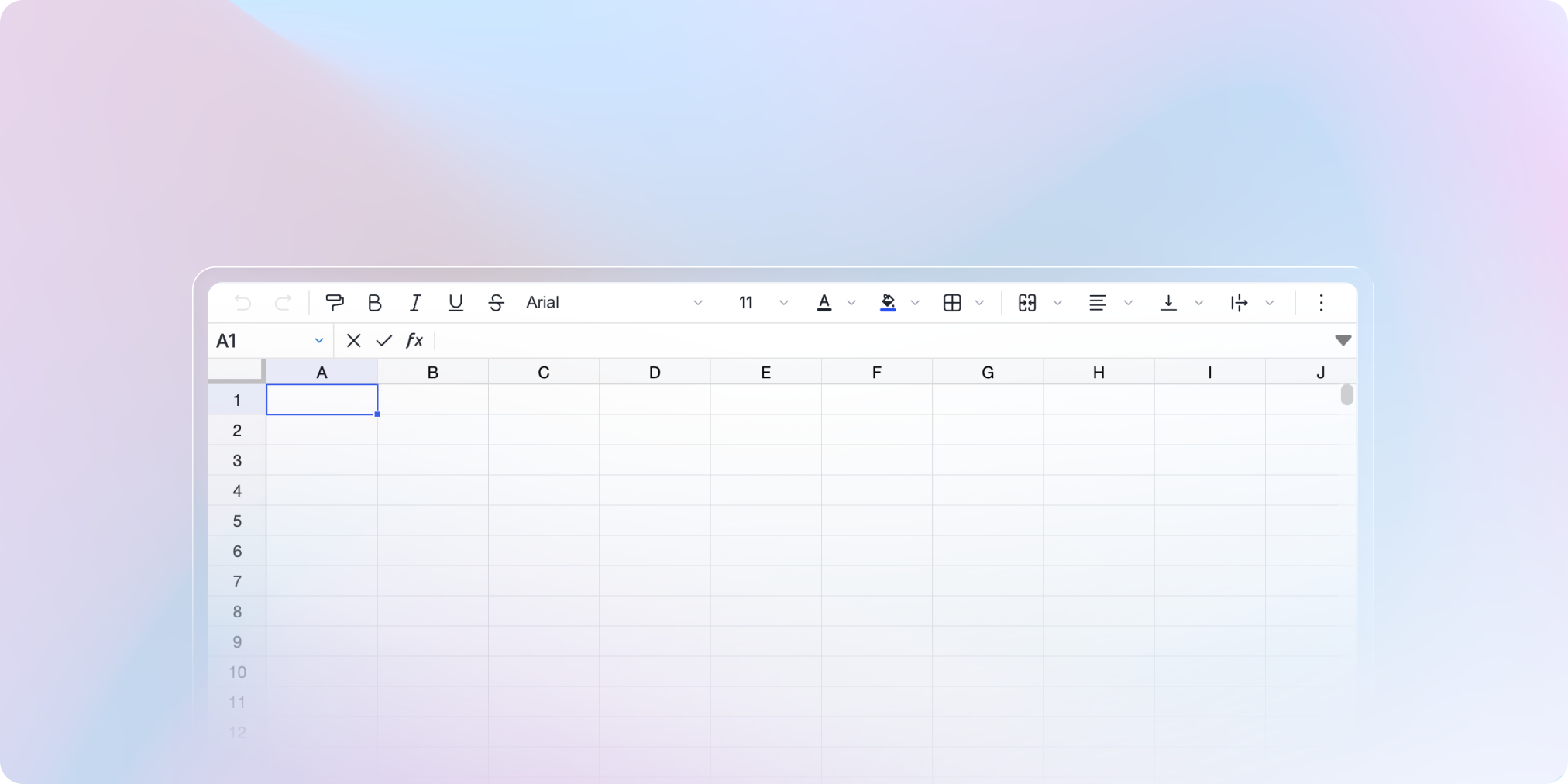
Spreadsheets: faster to use, simpler to prepare

Spreadsheets are now smoother to use during the exam: instant switching between exercises, continuous saving, faster display.

Instant switching between spreadsheets

When several exercises use a spreadsheet, switching between them is now instant.

The panel holding the spreadsheet also stays open when a test-taker moves to another exercise that uses a spreadsheet, a diagram or a document.

No input lost

If a test-taker switches page or spreadsheet while editing a cell, that cell is now saved automatically.

Spreadsheet questions are also faster, even when moving intensively between several exercises.

Reuse your spreadsheet templates

Build a spreadsheet once, use it everywhere. From the exam editor, you can now import and export your spreadsheet templates.


✨ Other improvements

  • Browser: the exam name appears in the tab title, so you find the right tab at a glance

  • Exam editor: images can be aligned left, right or centered

  • True/False questions: exam exports now follow the user's language

🐞 Bug fixes

  • A running task that doesn't complete is now removed from the list after a delay

  • After deleting an exam, you are redirected to the home page

  • Monitoring > Live: the list's sort order is kept when you open a test-taker's details

Organizer Mode & Coding Question

Reorganize your whole exam at a glance, without scrolling.

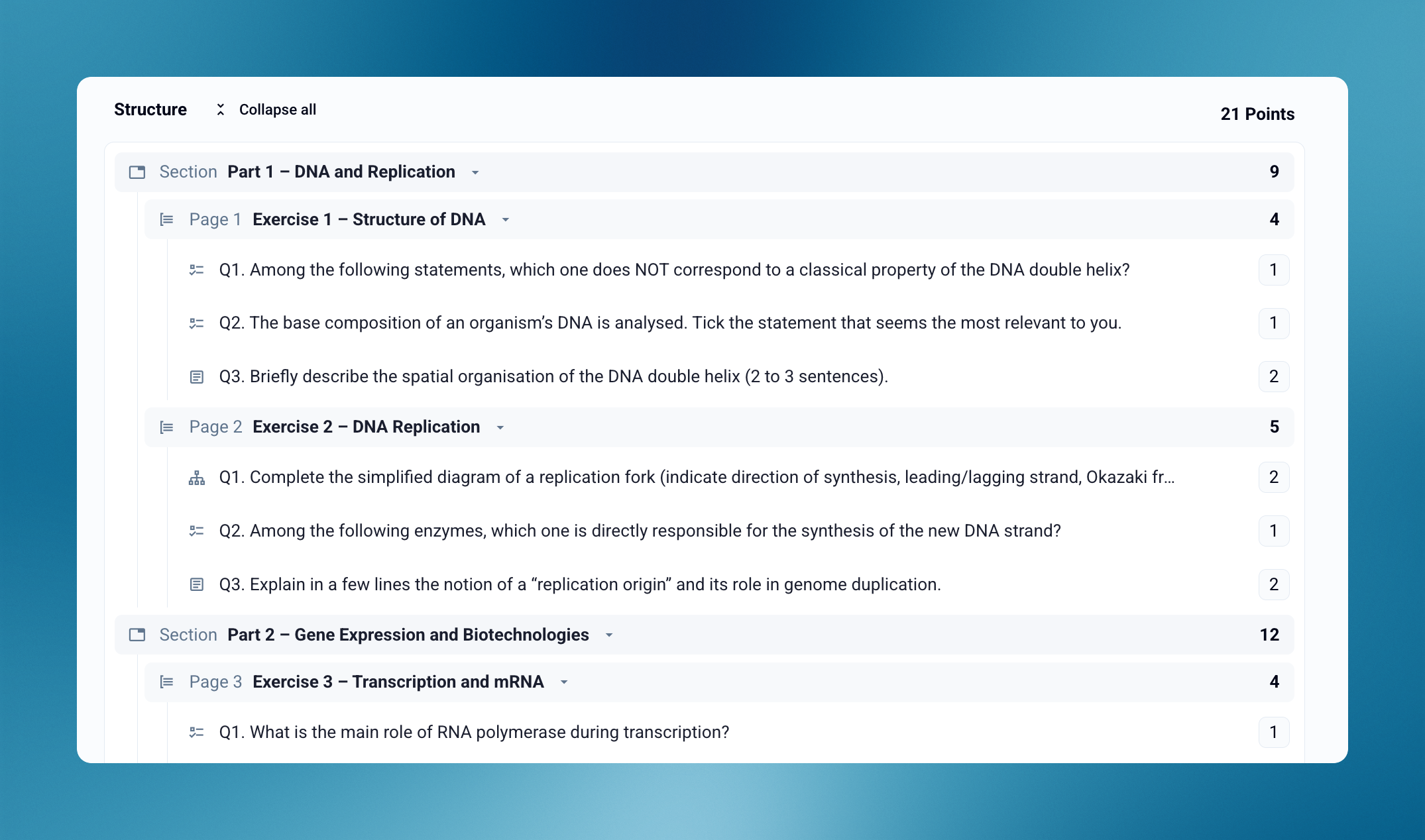
From the Create step, switch from the Editor to the Organizer to see your exam's full structure: sections, pages, exercises and questions, with their points.

The Organizer becomes your starting point to review an exam, adjust points and finalize your structure.

Reorganize by drag and drop

Move a section, a page, an exercise or a question with a single drag. You can also group several questions into a new exercise to restructure your exam in seconds.

Check and adjust points

Every question, exercise and page displays its points. You keep all your question points in view and adjust what needs adjusting before launching the exam.

Coding Question

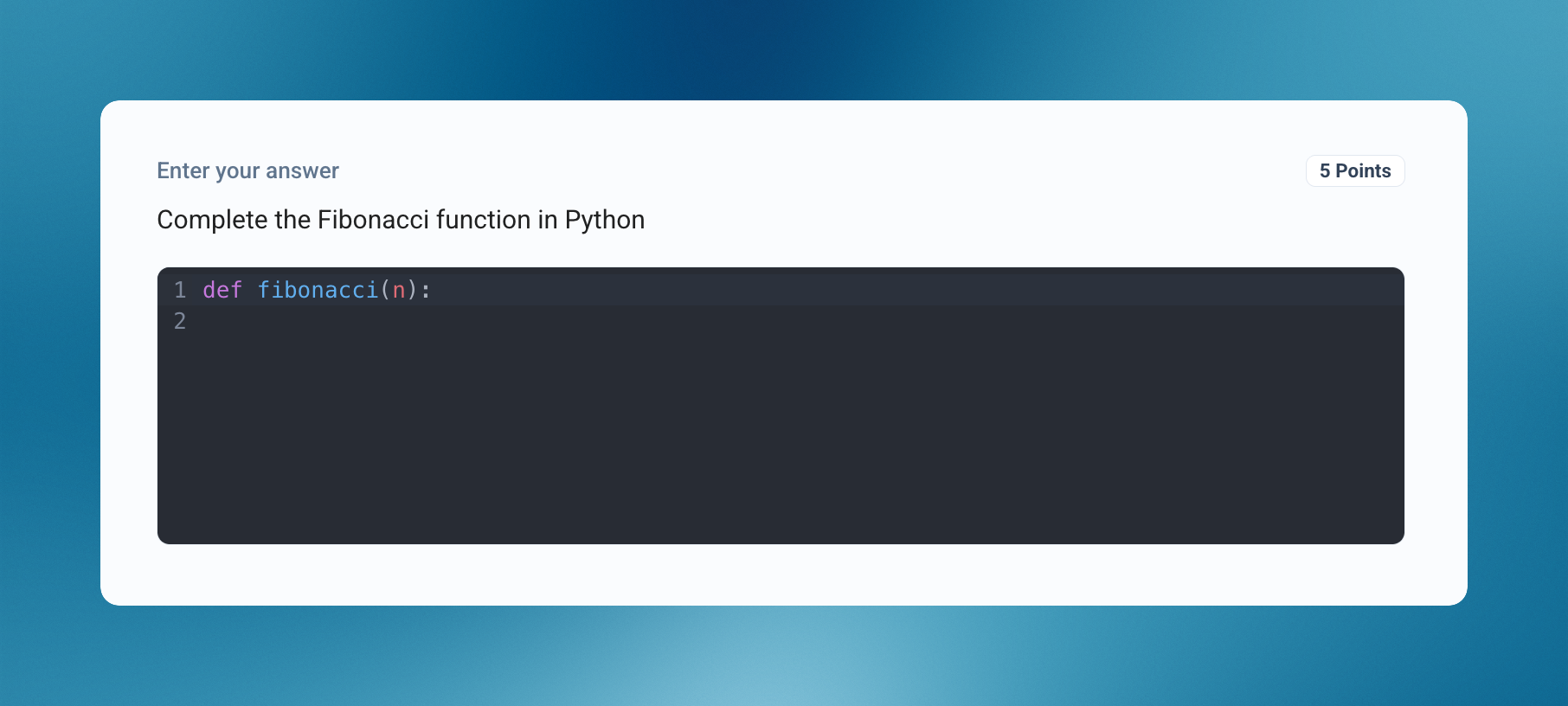
Make them write real code. A new question type that displays a code editor right in the answer area, so test-takers don't have to create a code block inside a text field themselves.

  • Syntax highlighting: more readable code, both while writing and while grading

  • Autocompletion: can be enabled question by question, depending on how demanding you want to be

Ideal for asking examinees to write a function, complete a program or fix a code snippet.


✨ Other improvements

  • Exam editor: more compact element-adding menu

  • Hide names: session names are now hidden, and pixelation replaces blurring for better security

  • Confirmation dialogs: improved interface

🐞 Bug fixes

  • Section names and descriptions are now visible even when the exam contains only one section

  • After a test-taker import, they now appear immediately, without reloading the page

New

Earlier updates