Reset a participant's exam
Reset a participant's exam attempt and grade
Written By Florian Barral
Last updated 20 days ago
While answering
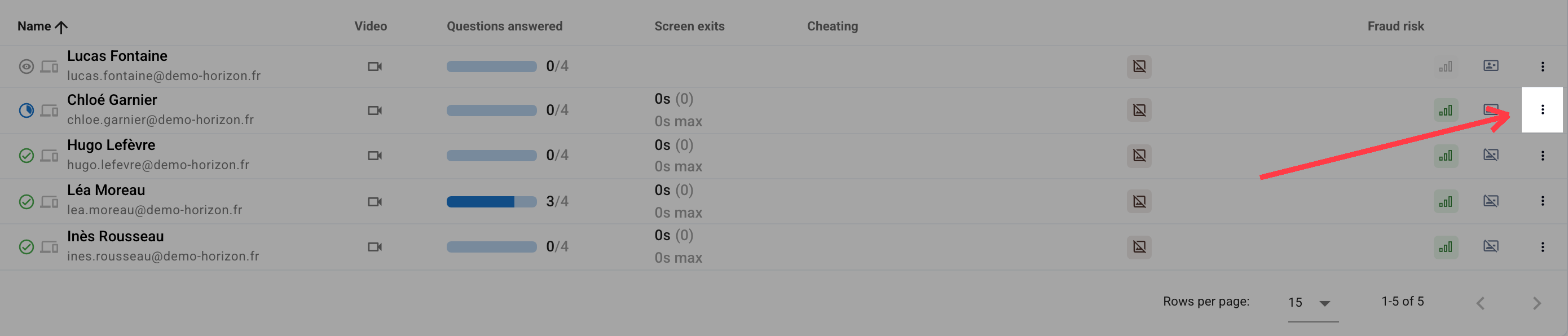
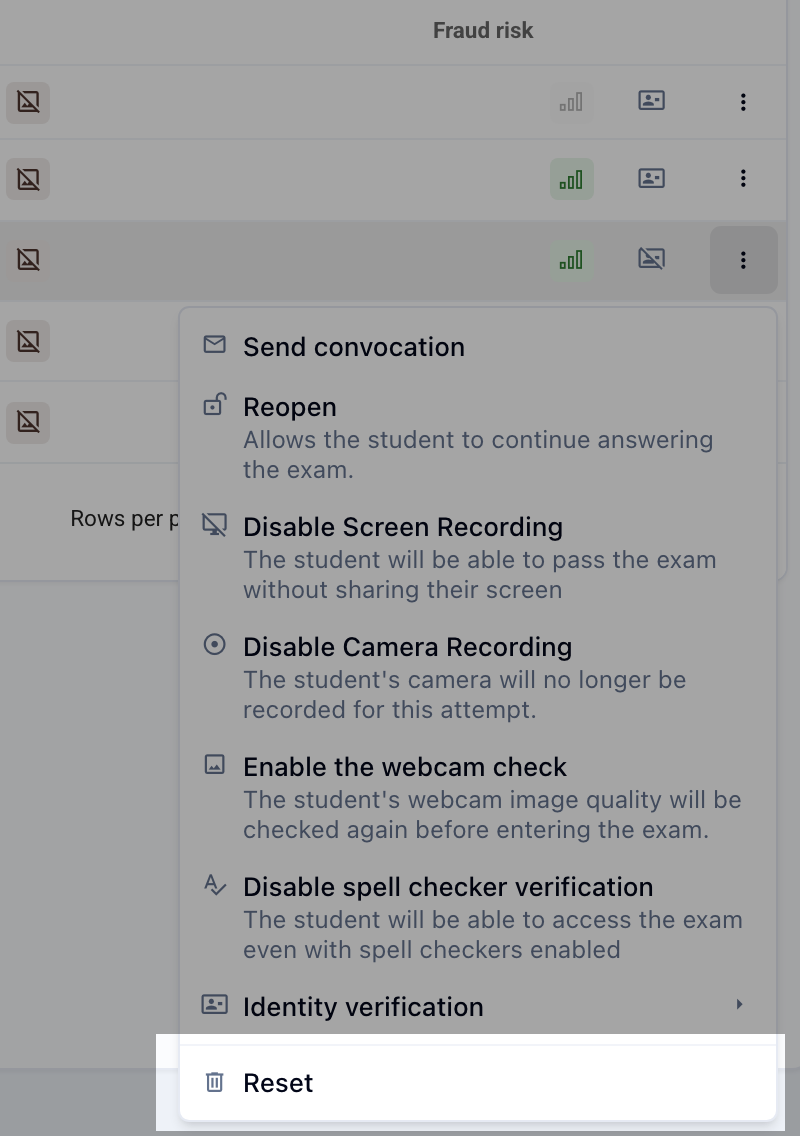
In the Monitor > Live tab, at the end of a participant’s row, click ⁝ then Reset to clear their progress, answers and grade.
While the participant is still taking the exam, Reset stays grayed out: first close their attempt with ⁝ then Close, and you can then reset it.
Answers already submitted
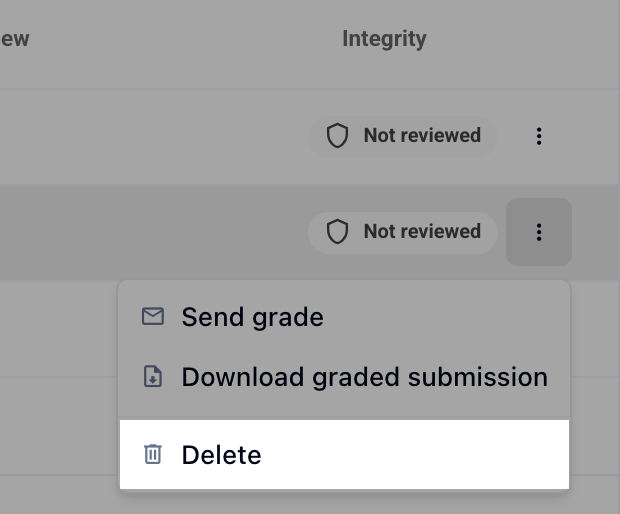
In the Grades tab, at the end of a participant’s row, click ⁝ then Delete
Was this helpful?
Still need help? Ask the team