Disable screen recording for a participant
Written By Dorian Becker
Last updated 16 days ago
Screen recording is supported only on computers.
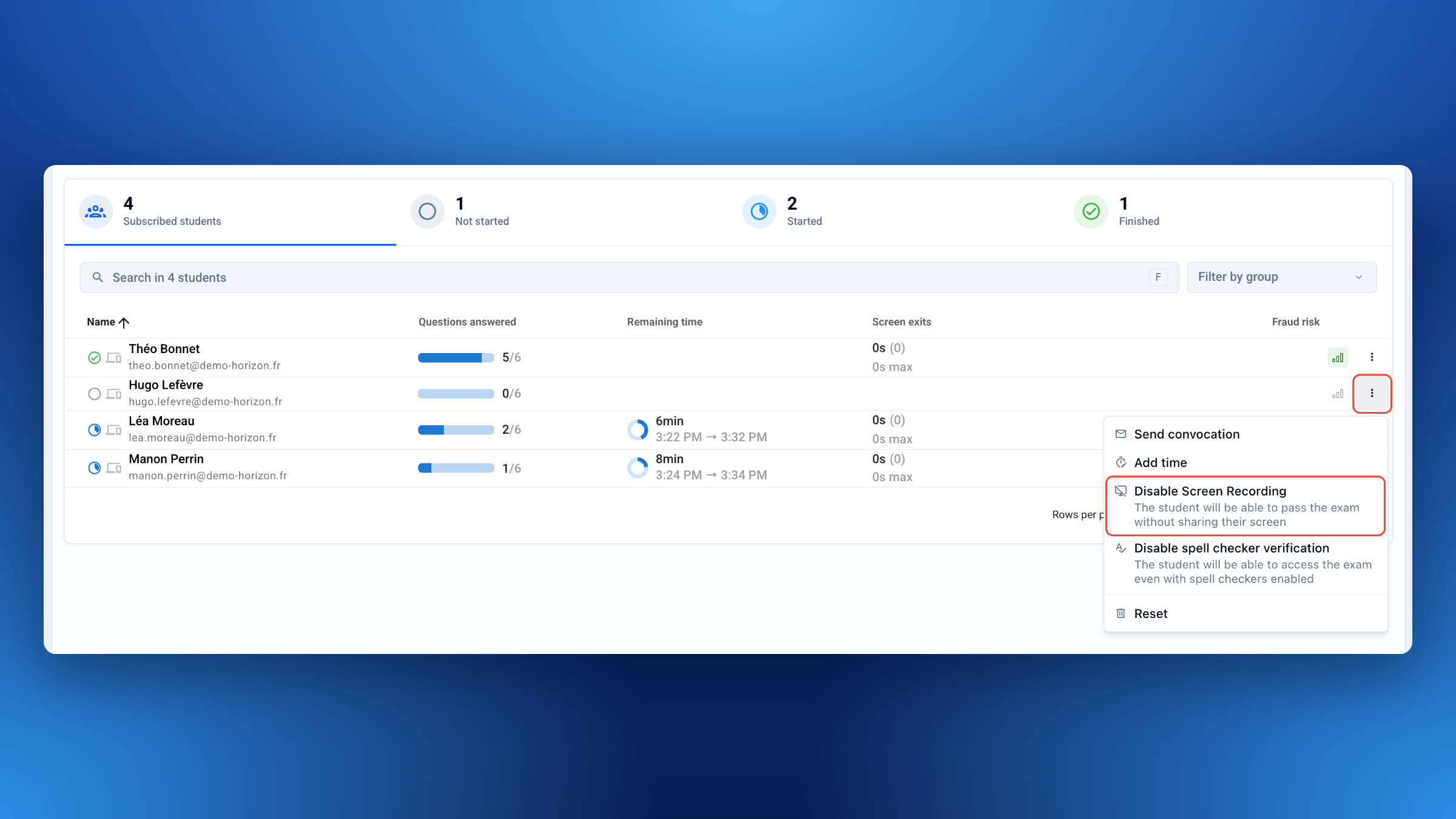
For a participant taking the exam on a tablet or smartphone, or who cannot share their screen, disable screen recording for that participant only:
Open Monitor › Live.
Click ⁝ at the end of the participant’s row.
Click Disable Screen Recording.
The participant can then access the exam without sharing their screen.
Was this helpful?
Still need help? Ask the team